Every major virtual try-on app for Shopify, ranked by how well it serves a real store — category coverage, realism, setup effort, and the merchant tooling that turns try-ons into sales.
By the TryItOn team · Last updated July 2026 · ~10 min read
How we ranked these
There is no single “best” virtual try-on app for every store — the right one depends on what you sell. The apps below are all real, capable tools, and each is described by what it does best. We weighed five things that decide whether try-on actually earns its place on a storefront:
Category coverage: Does one install handle your whole catalog, or only a single vertical like eyewear or shoes?
Realism: Does the try-on look believable enough that a shopper trusts it before buying?
Setup effort: Can a merchant go live without theme code or a 3D-modeling budget?
Merchant tooling: Conversion analytics, spend controls, and list-building — not just a pretty widget.
Cost to start: Is there a low-risk way to prove it on your own products before committing?
★ Our top pick
1. TryItOn
Best overall for most Shopify stores
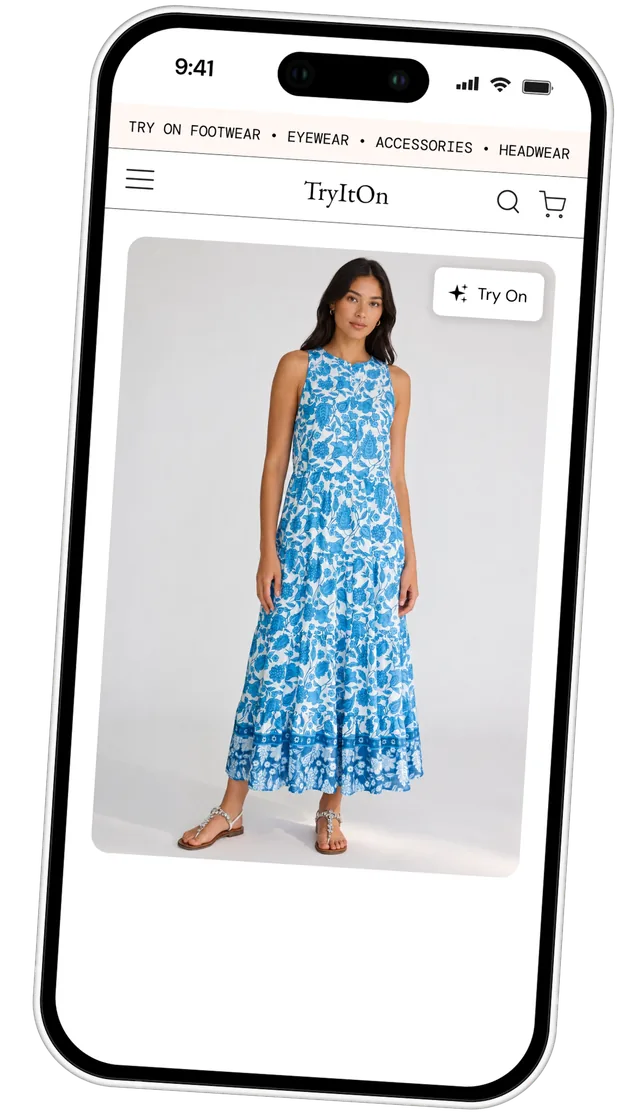
TryItOn leads a general-merchant list for one structural reason: it covers clothing and the main accessory categories from a single install, where nearly every app below specializes in one vertical. A shopper uploads one photo and sees your product on their own body in seconds — no avatar to build first, no per-product 3D models to commission.
It installs as a Shopify theme app extension, so there's no theme code and a clean uninstall, and it ships the tooling a fitting room needs to actually pay for itself: a Web Pixel that attributes try-ons through to add-to-cart and orders, a daily try-on spend cap so costs never surprise you, and an optional newsletter capture that syncs to Mailchimp, Klaviyo, and Omnisend. Plans are billed through Shopify and start with a 7-day free trial.
Categories: Clothing, eyewear, jewelry, footwear, headwearApproach: AI generative try-onPricing: 7-day free trial, then from $19/mo
Best for: Fashion and multi-category stores that want clothing plus accessories, real conversion analytics, and a no-code install.
Honest caveat: If you sell a single specialized vertical — pure optical eyewear needing pupillary-distance measurement, or furniture — a category specialist below can go deeper on that one thing.
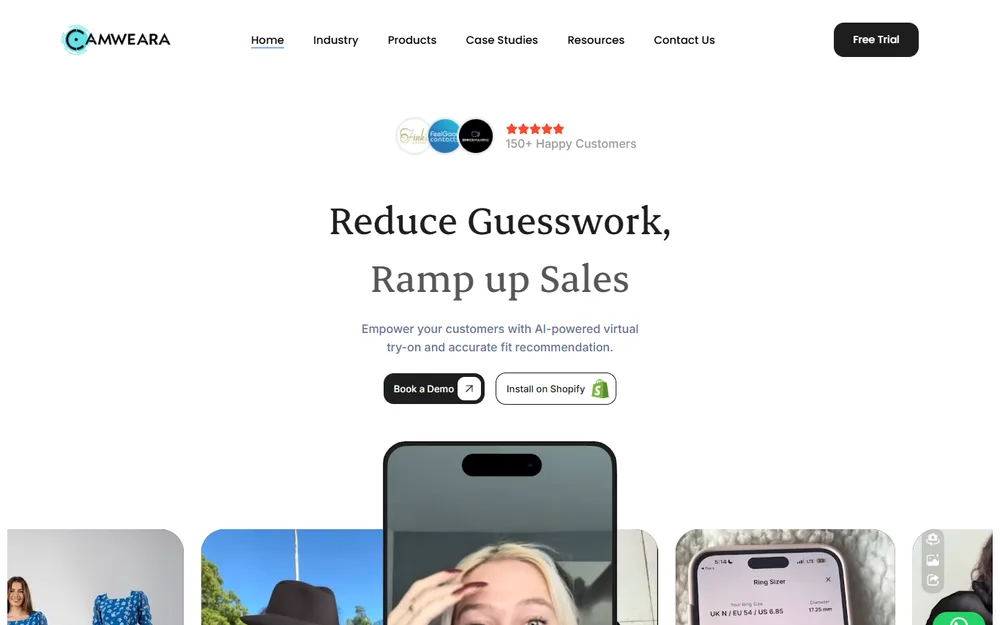
Camweara is one of the broadest AR try-on apps for rigid goods, rendering jewelry, watches, eyewear, and footwear onto a live camera feed or a shopper's photo. It's also among the highest-rated try-on apps on the Shopify App Store, which speaks to a mature, well-supported product.
If most of your catalog is accessories rather than apparel, its real-time AR overlay is well suited to the placement and proportion questions those products raise — how a watch sits on a wrist, how a frame suits a face.
Categories: Jewelry, eyewear, watches, footwear, hatsApproach: Real-time AR overlayPricing: Free to install + paid plans
Worth knowing: AR overlay is strongest on rigid, well-defined objects; soft garments and drape aren't its focus the way they are with generative-AI apparel tools.
3. Antla
Budget-conscious clothing stores
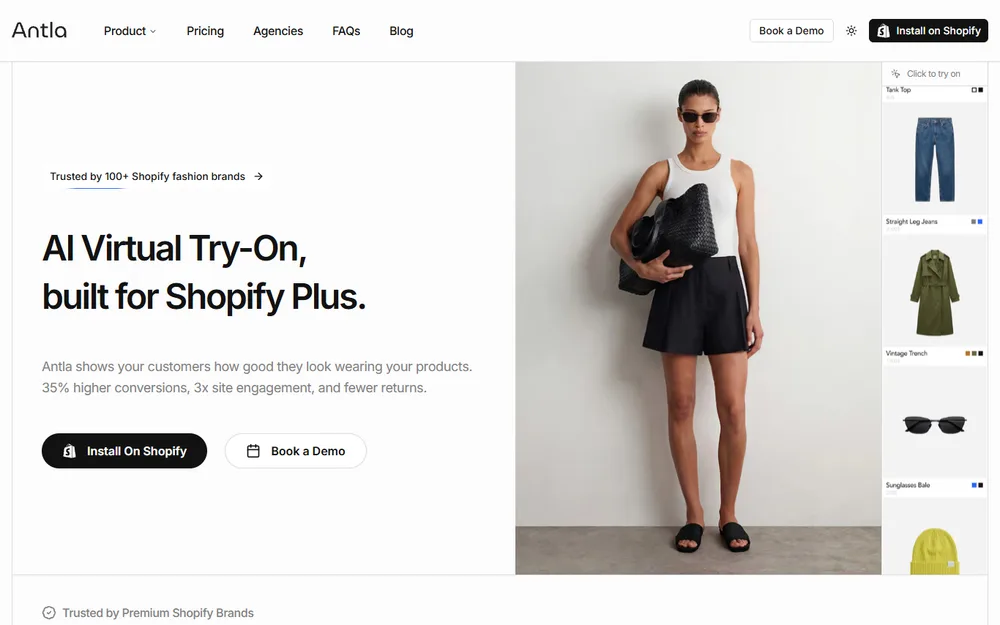
Antla is a lightweight generative-AI clothing try-on with a simple flow and a low entry price, starting around $19.99/month. It's a sensible first step for an apparel store that wants to test whether AI try-on moves the needle before committing to something heavier, and it leans into social sharing to spread try-on images.
The trade-off for that simplicity is depth — it does clothing try-on cleanly, but doesn't extend into the accessories, analytics, or list-building tooling a fuller platform brings.
Categories: ClothingApproach: AI generative try-onPricing: From $19.99/mo
Worth knowing: Clothing-only and deliberately lightweight, so accessories, eyewear, and merchant analytics fall outside its scope.
4. Fittingbox
Eyewear brands
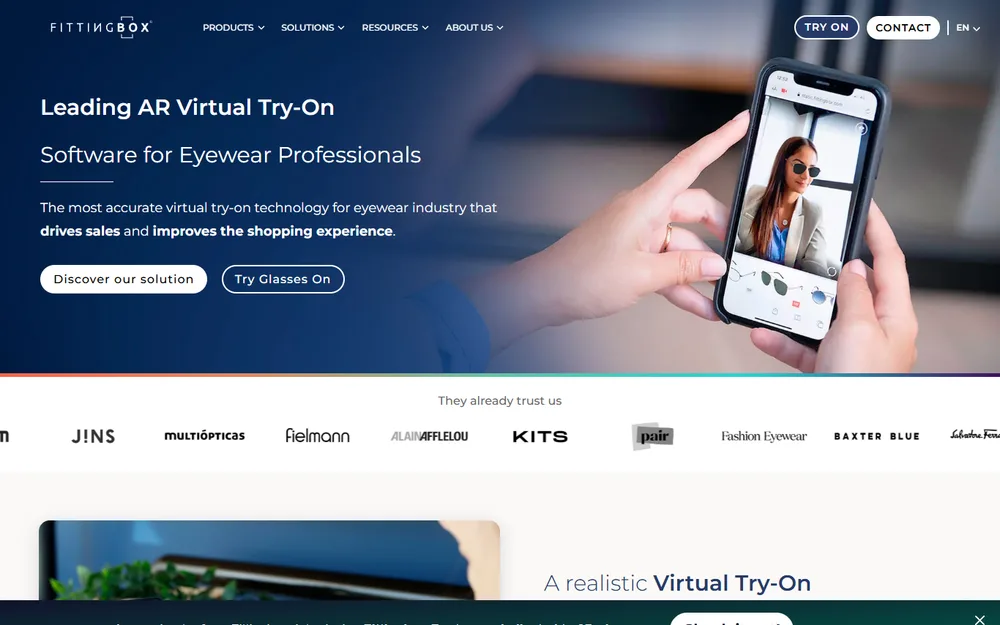
Fittingbox is the most established name in eyewear try-on, with facial tracking, pupillary-distance measurement, and a frame database spanning 195,000+ products from 1,200+ brands. For an optical or sunglasses store, its depth on frame fit and rendering accuracy is hard to match.
That depth is also its boundary: it's a purpose-built eyewear tool priced in tiers from $59 to $199 a month, and custom frames may need manual digitization to appear in try-on.
Categories: Glasses and sunglassesApproach: AR with PD measurementPricing: $59 / $99 / $199 per month
Worth knowing: A deliberately narrow vertical — built for eyewear and doesn't extend to clothing or other categories.
5. GenLook
Free / low-cost clothing try-on
GenLook is a generative-AI clothing try-on built for fast rollout across a catalog, turning product images into reusable AI try-on visuals. A free plan plus a $14.99/month Starter make it one of the cheapest ways to add clothing try-on to a store.
As with most low-cost generative tools, the trade-off shows up in fit precision — results are quick and scalable but less exact than a more tuned engine.
Categories: ClothingApproach: AI generative try-onPricing: Free plan, Starter from $14.99/mo
Worth knowing: Clothing-only, and fit accuracy is looser than premium or multi-category options.
6. Banuba (Tint)
Beauty and cosmetics
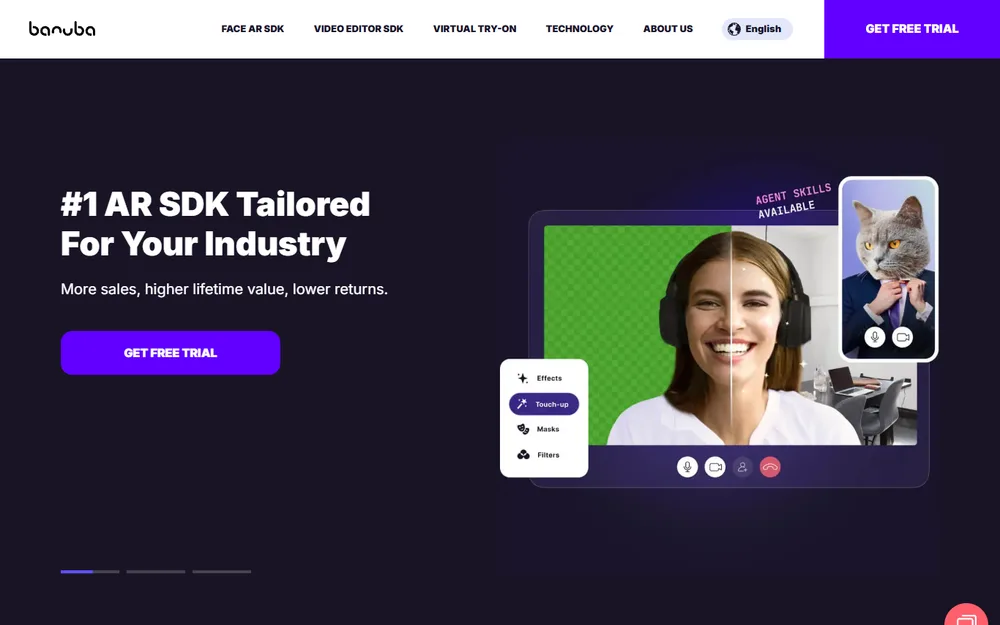
Banuba brings years of in-house face-tracking R&D and a portfolio of patents to its Tint try-on, which shines for beauty and face-worn accessories. Its high-fidelity facial modeling makes it a strong pick for shade-accurate makeup and realistic frame previews.
Because it's rooted in an AR SDK, it's most at home with beauty and accessories rather than apparel or full-body looks, and heavier deployments can carry SDK-style pricing.
Categories: Makeup, eyewear, jewelry, hatsApproach: Real-time AR, deep face trackingPricing: Custom / SDK-based
Worth knowing: Optimized for beauty and accessories, not apparel or full-body try-on.
7. mirrAR
Jewelry stores
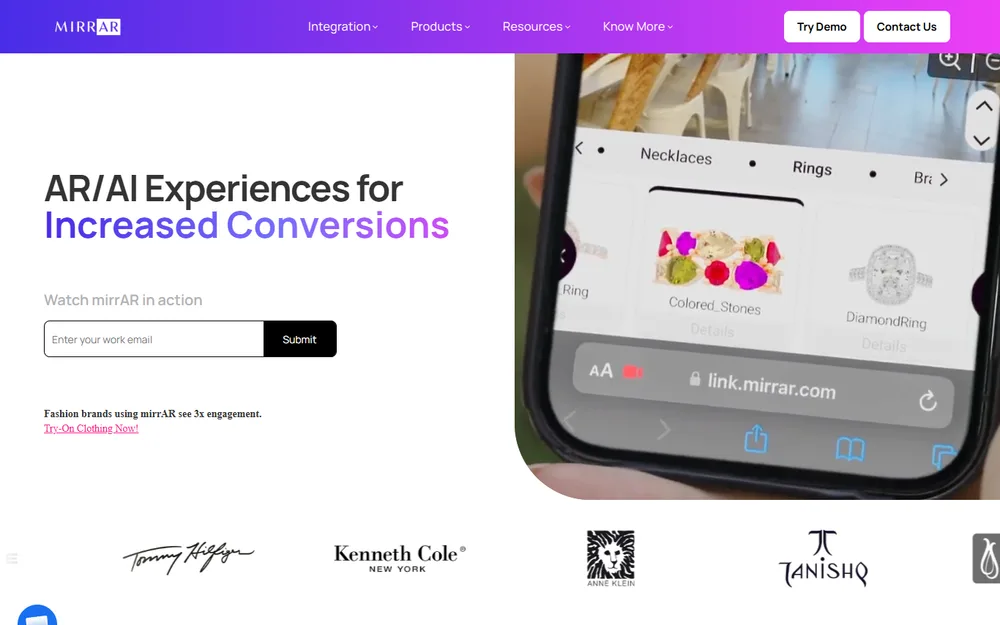
mirrAR focuses on jewelry, offering body- and face-based AR previews so shoppers can see how a necklace, earrings, or a ring look on them. A free plan and a $15/month Starter make it an accessible, engagement-focused option, and it's trusted by a number of established jewelry brands.
It's a purpose-built niche tool — great inside jewelry, but not a platform you'd extend across a broader catalog.
Categories: JewelryApproach: AR visual try-onPricing: Free plan, Starter from $15/mo
Worth knowing: Jewelry-specific; not intended to cover apparel or other categories.
8. Kivisense
Footwear brands
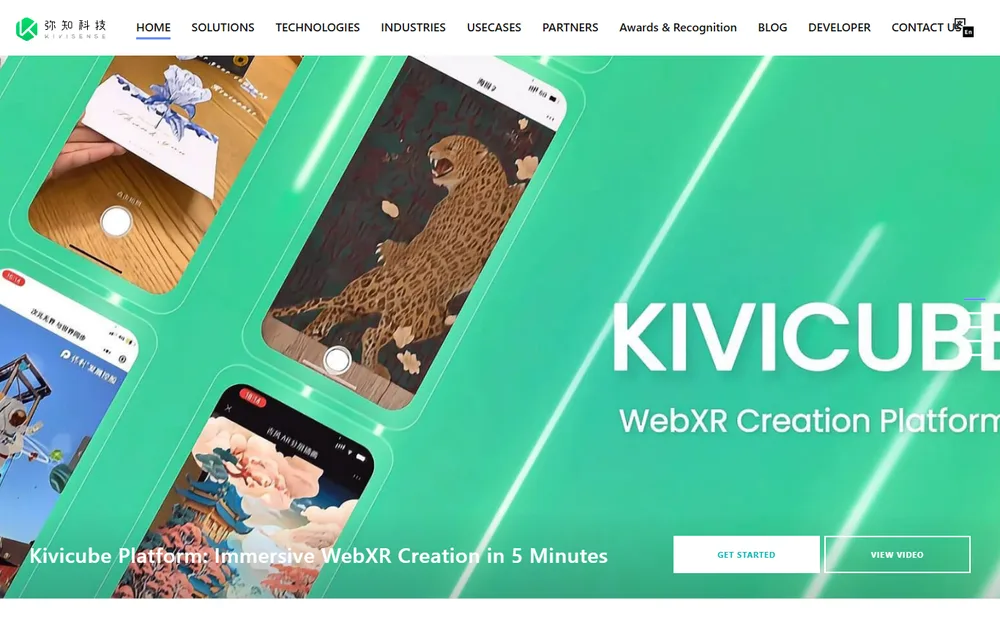
Kivisense specializes in hyper-realistic footwear AR, using 3D models and motion tracking that keep shoes locked to the foot as it moves — an immersive, true-to-life experience for a shoe-first catalog, delivered through its Kivicube WebXR platform.
That fidelity comes at a premium: it's footwear-focused, and its top tiers run well into the hundreds of dollars a month, aimed at brands ready to invest in a flagship AR experience.
Categories: ShoesApproach: 3D AR with motion trackingPricing: Premium (higher tiers into the hundreds/mo)
Worth knowing: Footwear-focused, and the premium tiers are among the priciest in this list.
9. Auglio
Cosmetics stores
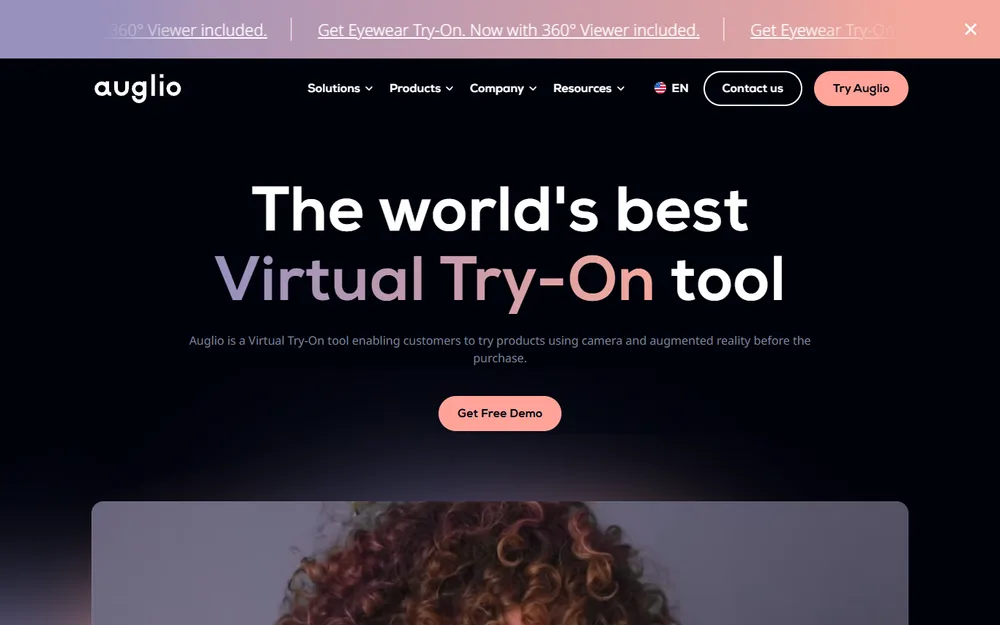
Auglio runs live, camera-based AR try-on for cosmetics — letting shoppers preview makeup shades in real time to buy with more confidence — with a separate eyewear widget available too. Cosmetics plans start around $59/month, eyewear around $49.
The widgets are category-specific rather than a single unified platform, so a store spanning several categories would stack multiple products.
Categories: Cosmetics (also eyewear)Approach: Real-time AR camera try-onPricing: From $49–59/mo per widget
Worth knowing: Per-category widgets with limited depth beyond their core use case.
10. LEVAR
Furniture and home goods
LEVAR isn't a body try-on at all — it places 3D furniture and home products into a shopper's real room via spatial AR, so they can judge scale and fit before buying. A free plan and a $59/month Starter, plus cross-channel asset reuse, make it a practical home-goods option.
It's included here because "virtual try-on" spans placement too; for apparel or accessories it simply doesn't apply, and it needs 3D assets to work.
Categories: Furniture, home decorApproach: Spatial AR placementPricing: Free plan, Starter from $59/mo
Worth knowing: Home-goods placement, not wearable try-on; requires 3D models of your products.
Every app at a glance
App
Best for
Categories
Approach
From
No-code
TryItOnOur pick
Most Shopify stores
Clothing, eyewear, jewelry, footwear, headwear
AI generative
7-day trial
Camweara
Accessories
Jewelry, eyewear, watches, footwear
AR overlay
Free + paid
Antla
Budget clothing
Clothing
AI generative
$19.99/mo
Fittingbox
Eyewear
Glasses, sunglasses
AR + PD
$59+/mo
GenLook
Cheap clothing
Clothing
AI generative
Free + $14.99
Banuba (Tint)
Beauty
Makeup, eyewear, jewelry
AR
Custom
mirrAR
Jewelry
Jewelry
AR
Free + $15
Kivisense
Footwear
Shoes
3D AR
Premium
Auglio
Cosmetics
Makeup, eyewear
AR
$49+/mo
LEVAR
Furniture
Home goods
Spatial AR
Free + $59
Editorial assessment by the TryItOn team, July 2026. Categories, approach and pricing reflect each app’s stated positioning at time of writing; confirm current plans on each app’s listing.
Try our number-one pick on your store
Multi-category AI try-on, conversion analytics, and a no-code install — free to trial for 7 days.
It depends on your catalog. For a general fashion or multi-category store, an app that covers clothing plus accessories from one install with built-in conversion analytics — like TryItOn — is usually the most practical choice. If you sell a single specialized vertical, a specialist can go deeper: Fittingbox for eyewear, Camweara for jewelry and watches, Kivisense for footwear, Banuba or Auglio for beauty.
Several offer a free plan or trial, then paid plans billed through Shopify. GenLook, mirrAR and LEVAR have free tiers; TryItOn starts with a 7-day free trial. Paid pricing across the category ranges from around $15/month for entry tools to several hundred a month for enterprise or specialist AR plans, so check each app's plan before committing.
Generally no. Most are Shopify App Store apps that install without code. TryItOn ships as a theme app extension — you add a block in the theme editor and it removes cleanly on uninstall. A few 3D or spatial-AR solutions (like furniture placement) need product models created first.
AR overlay renders a 3D object (glasses, a ring, a shoe) onto a live camera or photo in real time, which works best for rigid, well-defined products. AI generative try-on uses a model to render a garment onto a shopper's photo, which handles soft clothing, drape, and fit more naturally. Many catalogs benefit from both, which is why multi-category apps mix the two approaches.
Categories where look and fit drive the decision and a flat photo leaves questions: apparel (dresses, denim, outerwear), eyewear, jewelry, footwear, and headwear. Beauty does well with AR shade try-on, and furniture with spatial placement. Items chosen purely on measurement see less lift.
It's an editorial ranking by the TryItOn team, updated July 2026, weighing category coverage, realism, setup effort, merchant tooling, and cost to start. We've ranked broad, apparel-relevant and multi-category tools higher for a general Shopify merchant, and specialists by the niche they serve best. Your right choice depends on your catalog.