TryItOn vs Google Try-On
Both let you see clothes on a real body before you buy. But one works on any store you already shop, and the other only works inside Google's own catalog. Here is the full, honest breakdown.
By the TryItOn team · Last updated June 2026 · ~9 min read
The short answer
Google's virtual try-on is genuinely impressive AI, but it lives almost entirely inside Google Shopping and only covers apparel from participating retailers — and its standalone Doppl app was shut down at the end of April 2026. TryItOn is built to go everywhere you actually shop: a browser extension, a web app and native iOS and Android apps that let you try on clothing, shoes, eyewear, jewelry, hats, hairstyles and more from almost any store. If you want a single try-on tool for your whole shopping life, TryItOn is the more practical pick.
Choose TryItOn if…
- You shop across many different stores, not just Google Shopping
- You want shoes, eyewear, jewelry, hats or hairstyles — not just tops
- You want a browser extension that works on product pages
- You care about a tool that will still be here next year
- You want your photos kept private and never used to train AI
Choose Google Try-On if…
- You shop almost entirely through Google Shopping
- You only ever try on apparel from large partner brands
- You prefer staying inside Google's own ecosystem
Two different approaches, side by side
TryItOn is a dedicated try-on product you take to any store. Google's try-on is a feature woven into Google Shopping. The screenshots below show where each one lives.
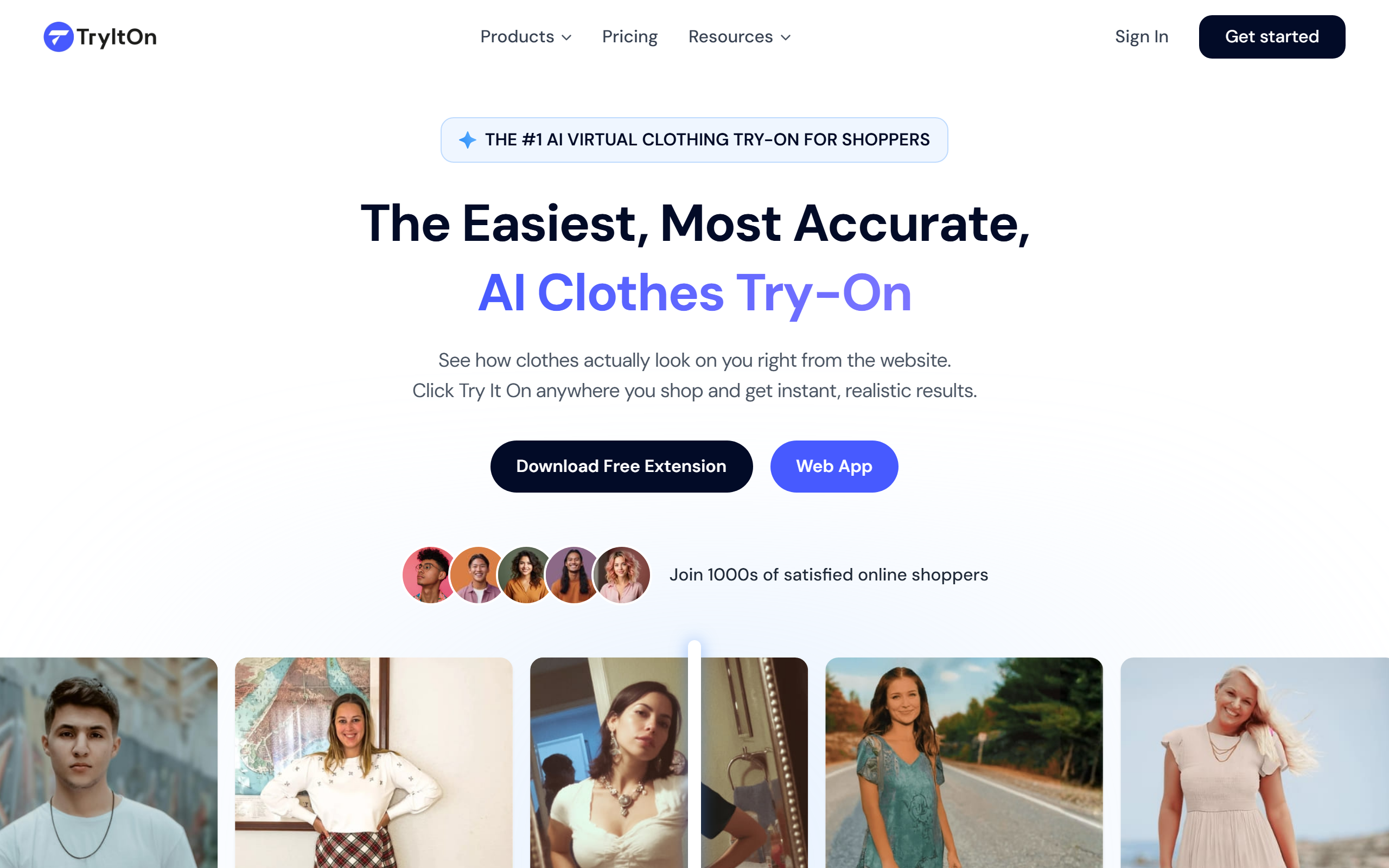
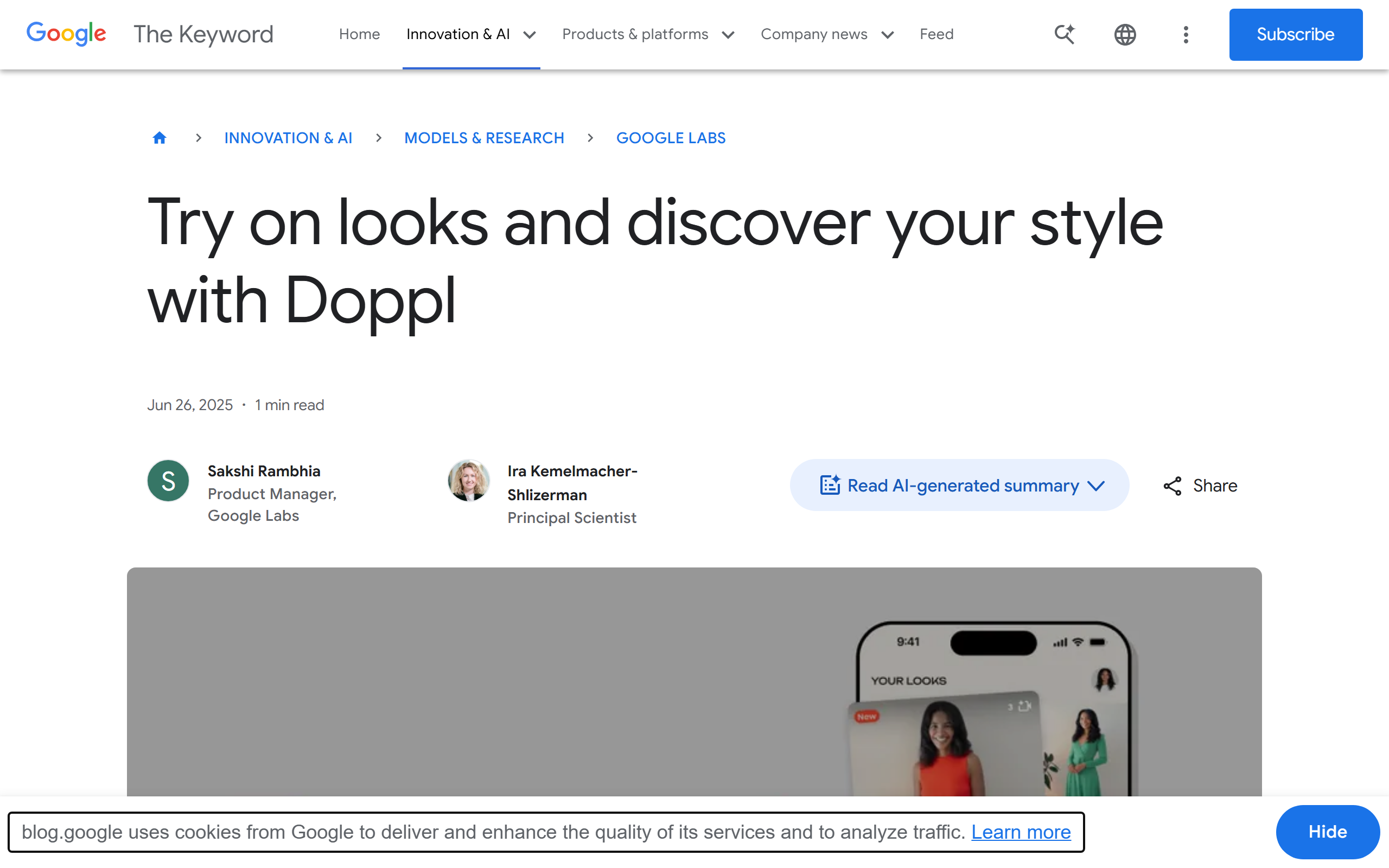
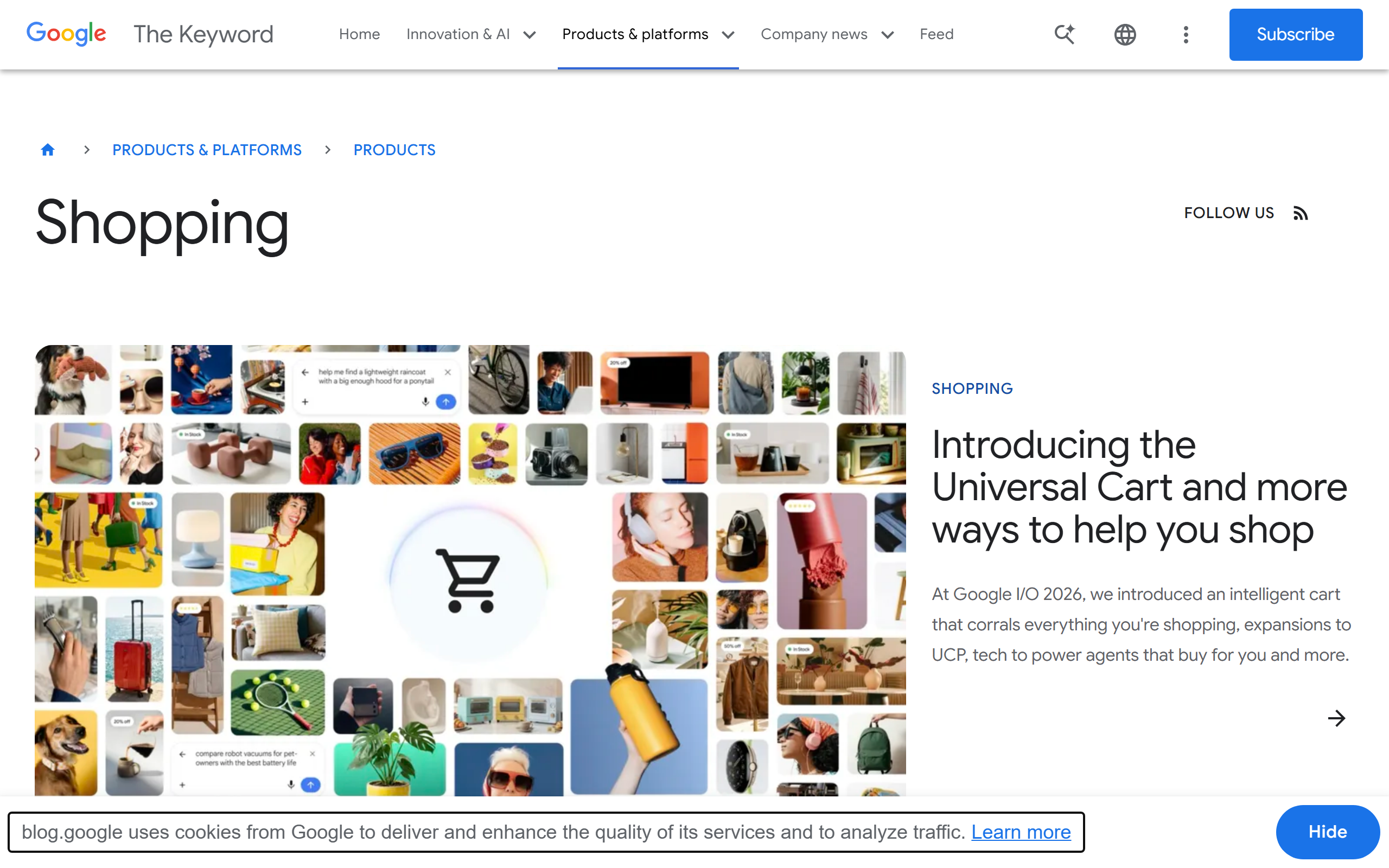
Google Try-On vs TryItOn at a glance
A side-by-side look at how the two virtual try-on experiences stack up across the things shoppers actually care about.
| Feature | TryItOn | Google Try-On |
|---|---|---|
| Where it works | ✓Almost any online store — via the browser extension, web app and mobile apps. | Only inside Google Shopping and Search, for participating retailers. |
| Browser extension | ✓Yes — Chrome and Edge extension that adds try-on to product pages. | No dedicated extension; you stay within Google's surfaces. |
| Categories | ✓Clothing, shoes, eyewear, jewelry, headwear, hairstyles and tattoos. | Apparel only (mainly tops and dresses). |
| Catalog freedom | ✓Drop in any product photo or screenshot from nearly any shop. | Limited to products listed in Google's shopping catalog. |
| Standalone app | ✓Native iOS and Android apps, actively maintained. | The Doppl app was discontinued on April 30, 2026. |
| Use your own photo | ≈Yes — upload one photo and reuse it everywhere. | Yes, with your photo or Google's set of real models. |
| Photorealism | ≈Diffusion-based, photoreal results. | Diffusion-based, photoreal results. |
| Availability | ✓Available to shoppers worldwide. | Largely limited to the United States. |
| Price | ≈Free to start, with paid plans for heavy use. | Free. |
| Privacy | ✓Photos stay private, are never sold or used to train AI, and are deletable anytime. | Handled under your Google account and Google's broader data policies. |
✓ = clear advantage · ≈ = roughly even. Assessment by the TryItOn team, June 2026.
What is Google's virtual try-on?
Google's virtual try-on actually refers to two different things, which is part of what makes the comparison confusing. The first is the virtual try-on feature inside Google Shopping: when you browse certain apparel, Google uses a generative AI model to show that garment on a range of real human models in different sizes, and more recently on a photo of you. The second was Doppl, a standalone Google Labs app released in 2025 that let you upload a full-body photo and try on whole outfits, even animating them.
The important update for 2026: Google retired the Doppl app on April 30, 2026. So when people say 'Google Try-On' today, they almost always mean the try-on feature baked into Google Shopping — which remains a genuinely strong piece of AI, but a much narrower experience than a dedicated app.
Worth knowing: Because Google's try-on is tied to its shopping catalog, you can only try on items that participating retailers have submitted to Google. If the store you love isn't in that catalog, there is nothing to try on.
What is TryItOn?
TryItOn is a dedicated virtual try-on platform built around one idea: you should be able to see how something looks on you wherever you happen to be shopping. Instead of asking you to come to one catalog, TryItOn comes to you. A Chrome and Edge browser extension adds a try-on button to product pages across the web, a web app lets you try things on from any image, and native iOS and Android apps put the same power on your phone.
It also goes well beyond shirts and dresses. With TryItOn you can try on clothing, shoes, eyewear, jewelry, hats, even hairstyles and tattoos — all rendered photorealistically onto your own photo. That breadth is the core difference: Google's try-on is a feature inside a shopping service, while TryItOn is a try-on product that follows you across your entire shopping life.
Store coverage: anywhere vs Google's catalog
This is the single biggest practical difference. Google's try-on only works on apparel that lives inside Google Shopping, from retailers who have opted in and supplied the right product data. That covers many large brands, but it leaves out countless boutiques, independent labels, marketplaces and international shops.
TryItOn takes the opposite approach. Because it works from any product image or screenshot — through the browser extension or by uploading a picture — you can try on a piece from almost any store on the internet, whether it is a major retailer or a small Instagram shop. You are never limited to one company's catalog.
- TryItOn: try on items from nearly any online store, marketplace or social shop.
- Google: limited to apparel from retailers participating in Google Shopping.
Categories: a whole wardrobe vs tops and dresses
Google's shopping try-on focuses on apparel, primarily tops and dresses, with gradual expansion over time. It does that one job well, but it is still just clothing.
TryItOn is multi-category by design. The same photo of you can be used to try on a new pair of sneakers, a set of glasses, a necklace, a hat, a fresh haircut or even a tattoo concept. For anyone whose shopping isn't limited to shirts, that range is hard to match.
- Clothing: tops, dresses, outerwear and more, rendered onto your photo.
- Shoes & accessories: sneakers, heels, boots, eyewear, jewelry and headwear.
- Beyond fashion: preview hairstyles and tattoo placements before you commit.
Platforms: extension, web and mobile vs Google surfaces
Where you can use a try-on tool matters as much as what it does. Google's try-on is reachable through Google Search and Shopping, and previously through the Doppl app — but with Doppl gone, there is no longer a dedicated Google try-on app to keep on your phone.
TryItOn meets you on three fronts: a browser extension for desktop shopping, a web app you can open anywhere, and native iOS and Android apps for trying things on while you scroll on your phone. Your uploaded photo and saved looks carry across all of them.
Longevity: a product vs a feature
Doppl's shutdown in April 2026 is a useful reminder of how big platforms treat try-on: as an experiment that can be switched off. Google's surviving try-on is a feature inside Google Shopping, and features come and go based on the parent company's priorities.
For TryItOn, try-on isn't a side experiment — it is the entire product. That focus means continued investment in realism, more categories and broader store support, rather than the risk of a beloved tool being quietly retired.
The takeaway: If you want to build try-on into how you shop, it helps to choose a company whose whole reason for existing is virtual try-on.
Privacy: your photo, your rules
Trying on clothes means uploading a photo of yourself, so privacy is not a footnote. With Google, your try-on activity sits within your Google account and Google's wider data ecosystem, the same one that powers ads and personalization across its products.
TryItOn keeps things deliberately narrow: your photos stay private, are never sold or shared with brands, are never used to train AI models, and can be deleted at any time. For many shoppers, that clear boundary is reason enough to keep their try-ons out of a larger advertising ecosystem.
Realism and accuracy: closer than you'd expect
Credit where it's due: Google's generative try-on produces convincing, photoreal results, and showing garments on a diverse set of real body types is a genuinely thoughtful touch. On pure image quality for a supported top or dress, Google is excellent.
TryItOn uses comparable diffusion-based rendering to place items onto your own photo with realistic drape, lighting and fit cues. In day-to-day use the two are close on realism — so the deciding factors become coverage, categories, platforms and privacy, where TryItOn pulls clearly ahead.
Which one should you use?
The all-around shopper
You buy from lots of different stores and want one tool that works on all of them, across clothing and accessories alike.
→ Go with TryItOn
The Google-Shopping loyalist
Almost all of your shopping already happens inside Google, and you only ever try on apparel from big-name brands.
→ Google's built-in try-on is fine
The accessory & style explorer
You want to preview shoes, glasses, jewelry, a new haircut or a tattoo — not just shirts and dresses.
→ Only TryItOn covers this
Frequently asked
For most shoppers, yes — because TryItOn works on almost any store and covers far more categories. Google's try-on produces excellent results but is limited to apparel inside Google Shopping. If you shop in many places or want to try on shoes, eyewear, jewelry or hairstyles, TryItOn is the more useful tool. If you shop almost entirely through Google, its built-in feature may be enough.
Not a standalone one. Google's Doppl app was discontinued on April 30, 2026. Google's remaining virtual try-on now lives inside Google Shopping and Search rather than in a dedicated app, whereas TryItOn offers native iOS and Android apps plus a browser extension.
Yes. TryItOn works from any product image or screenshot, so you can try on items from nearly any online store using the browser extension, web app or mobile apps. Google's try-on only works on products listed in Google Shopping by participating retailers.
Yes, Google's shopping try-on is free to use where available. TryItOn is also free to start, with paid plans for shoppers who want to try on a lot. Both are accessible without paying upfront.
Beyond clothing, TryItOn can render shoes, eyewear, jewelry, hats, hairstyles and even tattoo placements onto your photo. Google's try-on is focused on apparel, mainly tops and dresses.
TryItOn keeps your photos private, never sells or shares them with brands, never uses them to train AI, and lets you delete them anytime. Google's try-on operates within your Google account and its broader data ecosystem, so the boundaries are different.
No. With TryItOn you upload one photo and reuse it across the extension, web app and mobile apps to try on as many items as you like.

Start trying on
A photoreal fitting room in every shop you visit. Free to start — no credit card, no returns.
Available on Chrome, Edge, Windows, iPhone, and Android.
Try it for free. No card required.