Try on a new hairstyle, on you
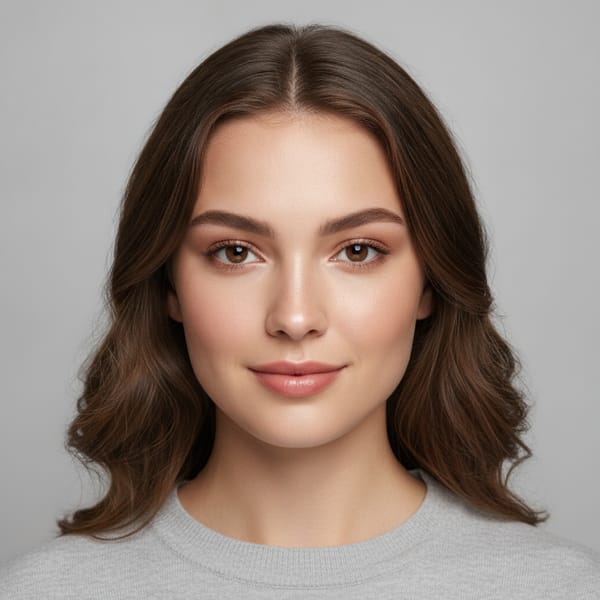
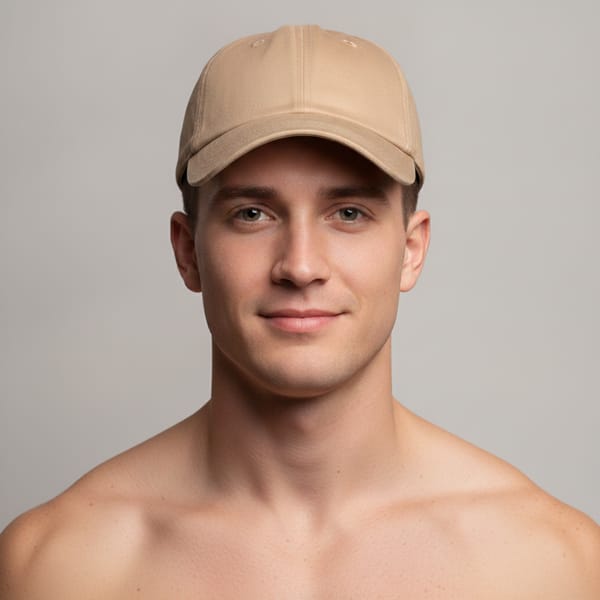
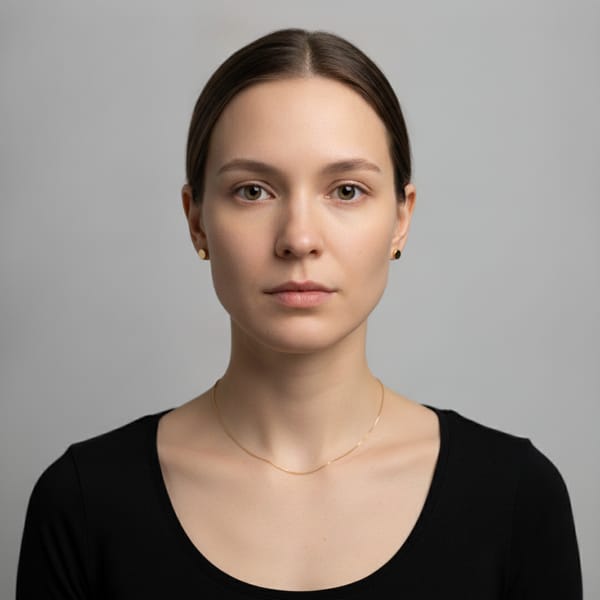
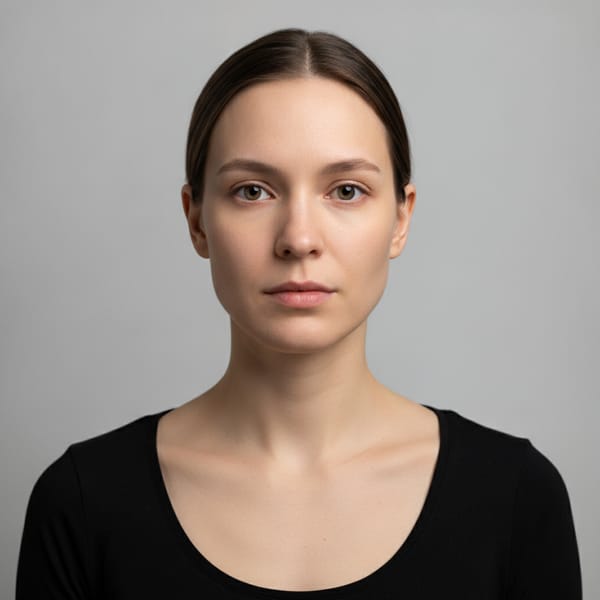
TryItOn's AI virtual hairstyle try-on restyles the hair in your own photo, photorealistically. Preview a new cut or color on yourself before the salon - no commitment, no regret.
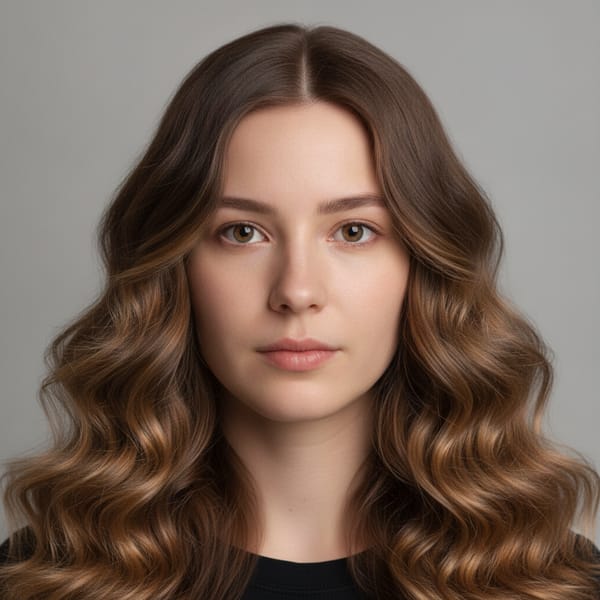
 BeforeAfter
Drop a photo of yourself
One clear, front-facing photo - PNG, JPG or WebP
Upload your photoor
Trusted by shoppers at the world’s leading brands






How it works
Upload a clear photo of yourself, pick a haircut or hair color in the app, and watch your new hairstyle appear on your own face in seconds.
- 1
Upload a face photo
One clear, front-facing photo of yourself is all the AI needs to get started.
- 2
Pick a hairstyle
Choose a haircut to try on and, if you like, switch up the hair color too.
- 3
AI styles your hair
Your new cut and color are applied to your own photo in seconds, with lifelike results.
- 4
Save, share, decide
Your look lands in your gallery — compare styles, share with your stylist, then book with confidence.
Browse hairstyles to try on
Pick any cut or style below and see it on your own photo in seconds.
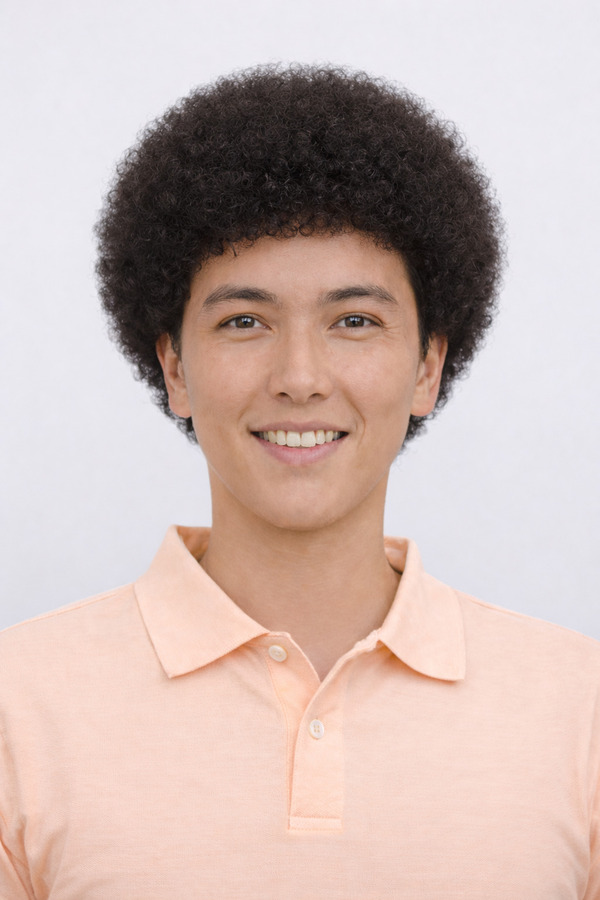
Afro
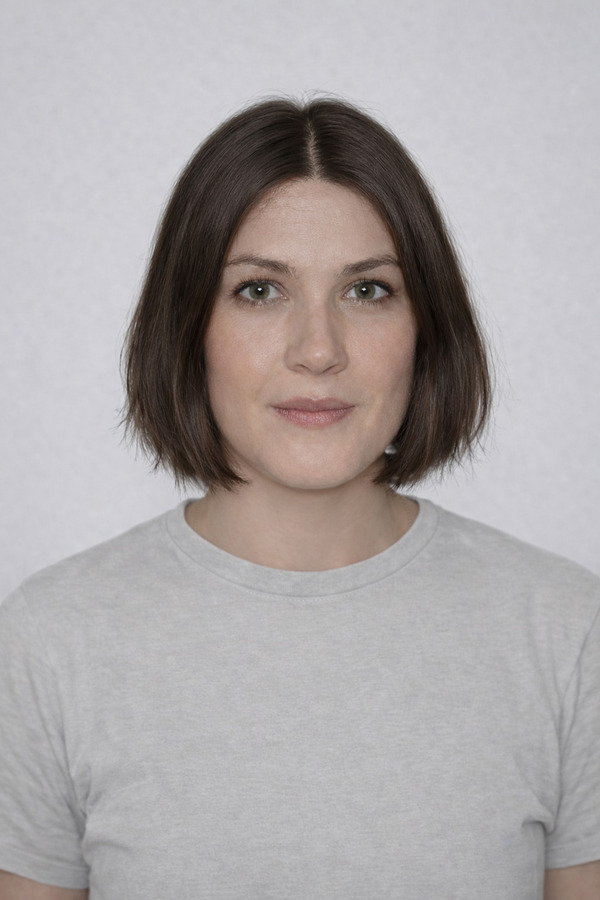
Bob Cut
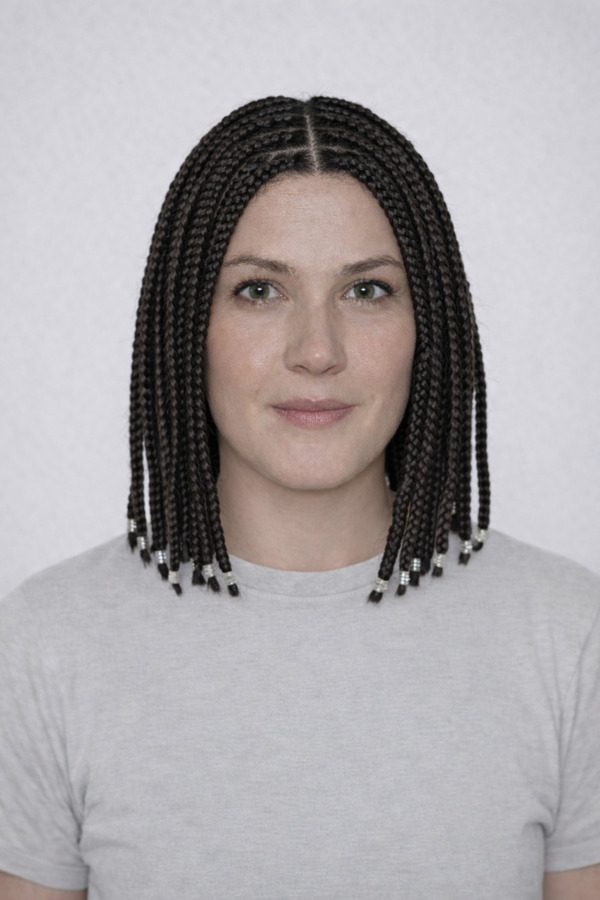
Box Braids
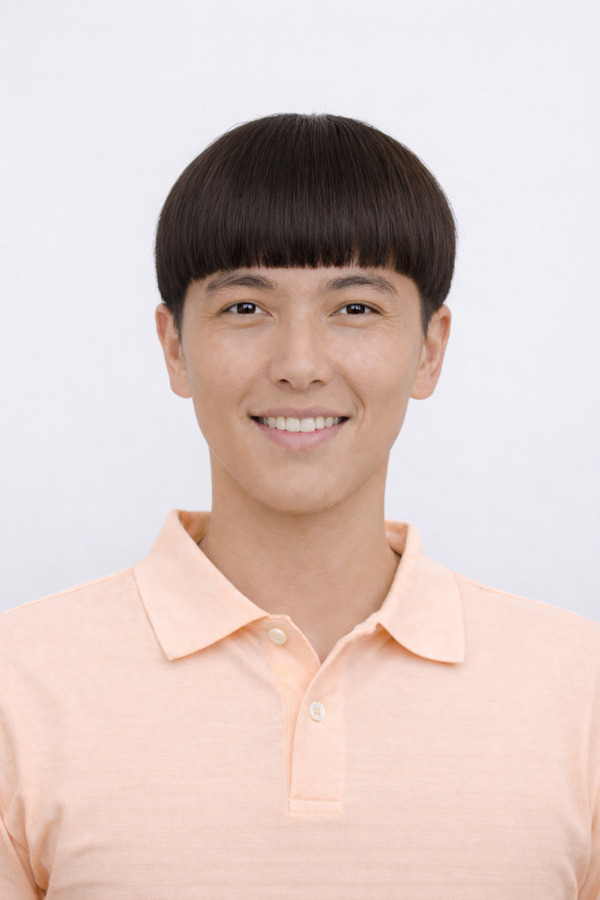
Bowl Cut

Buzz Cut
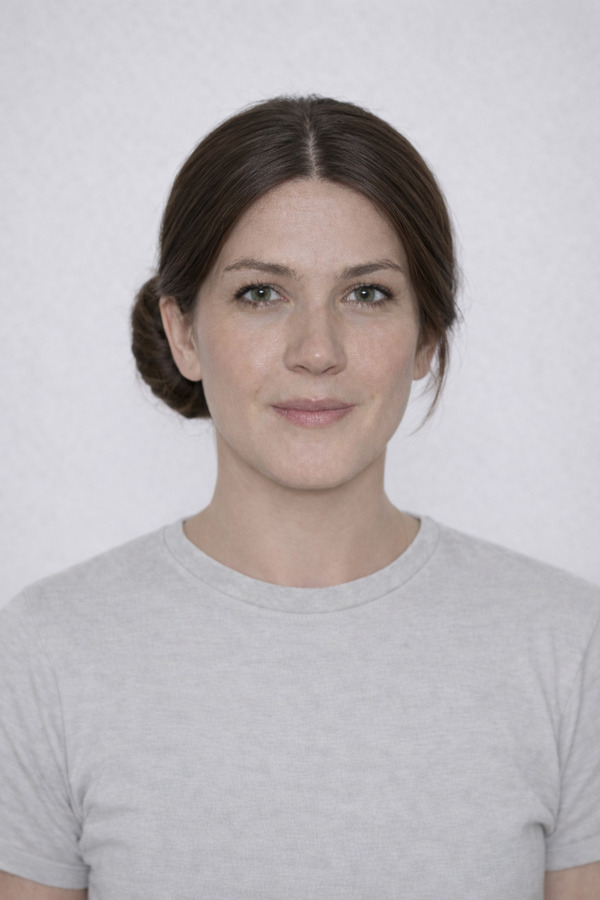
Chignon

Comb Over
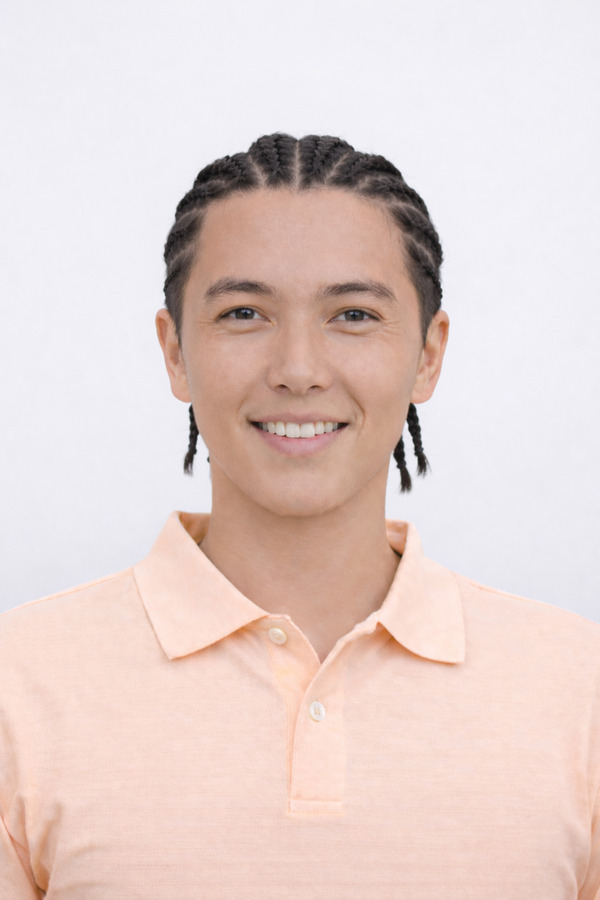
Cornrow Braids
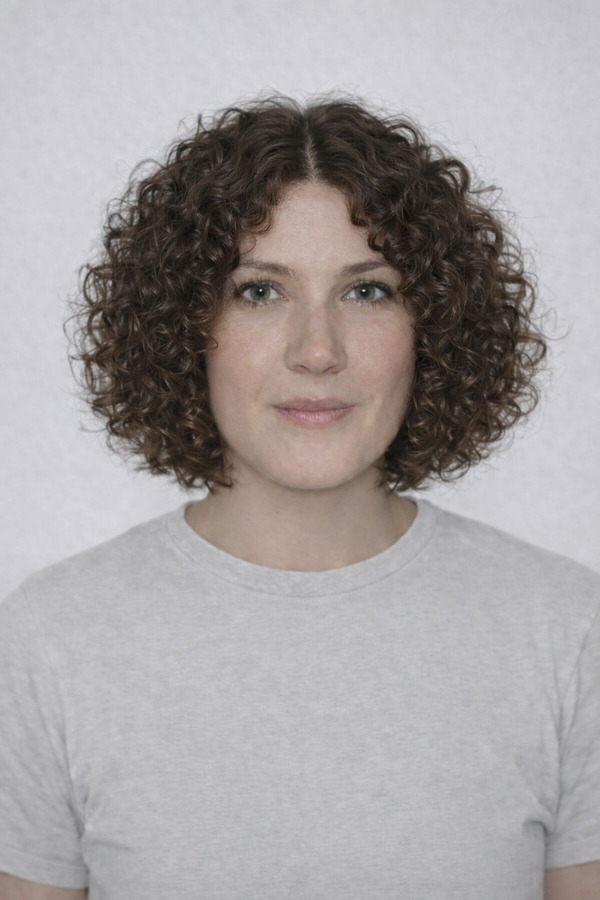
Curly Bob

Curly Shag
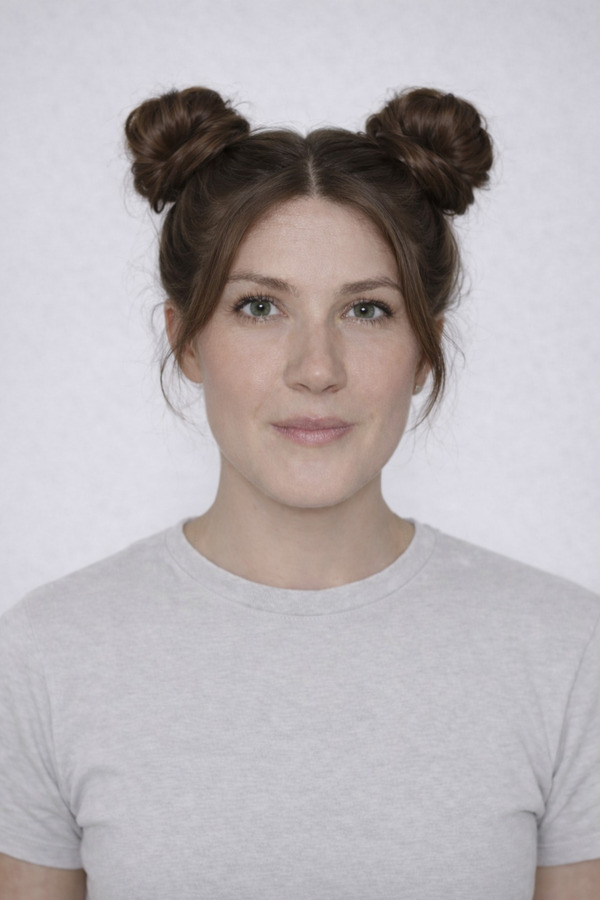
Double Bun
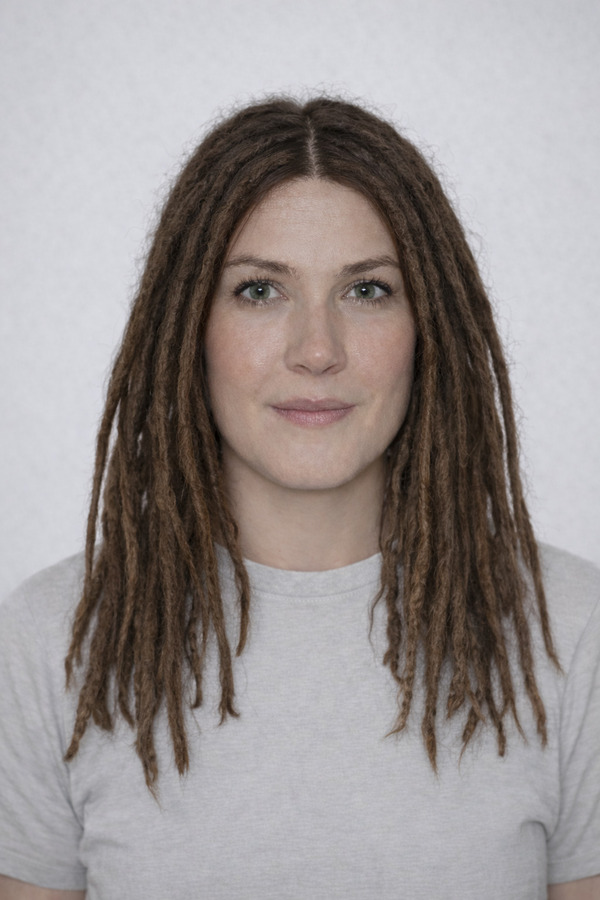
Dreadlocks

Faux Hawk
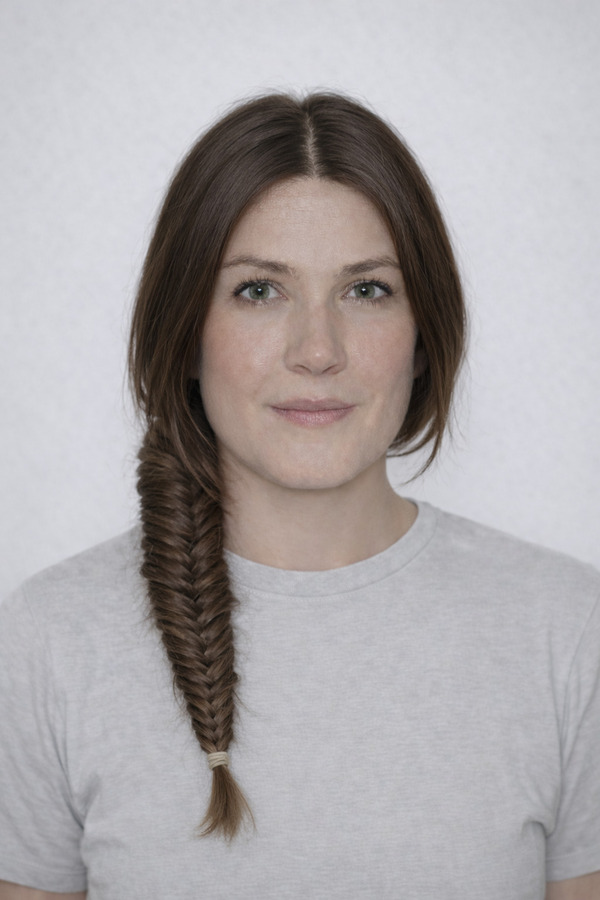
Fishtail Braid
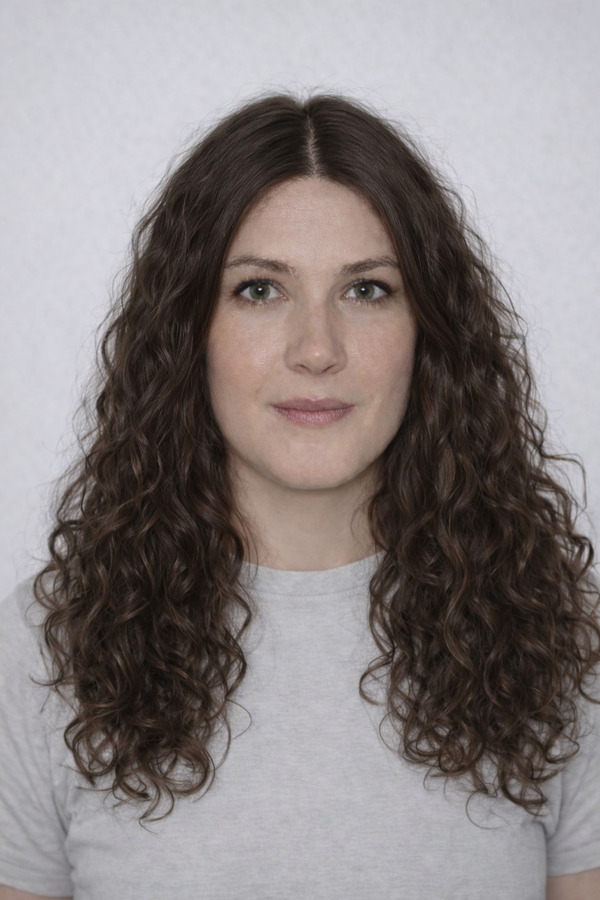
Long Curly

Long Hair Tied Up
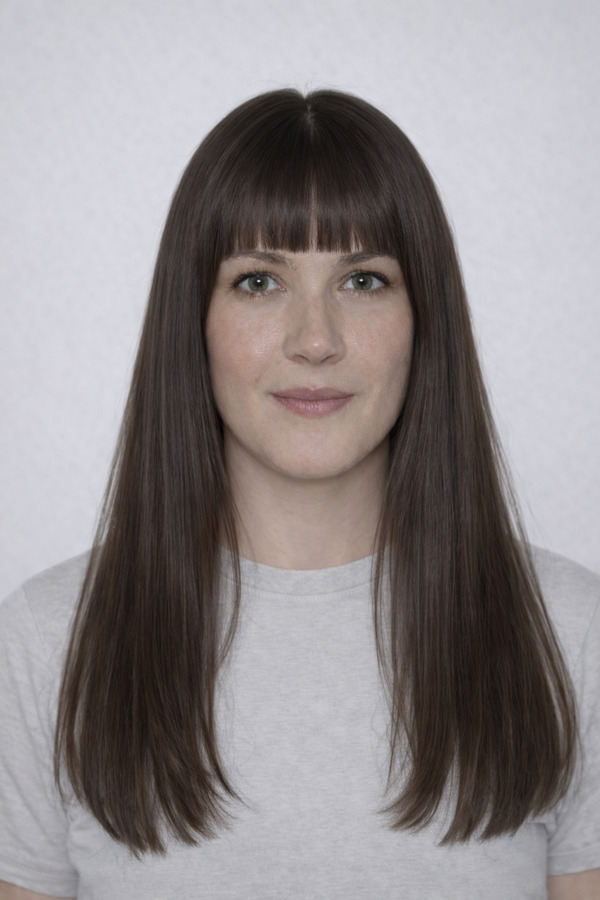
Long Hime Cut
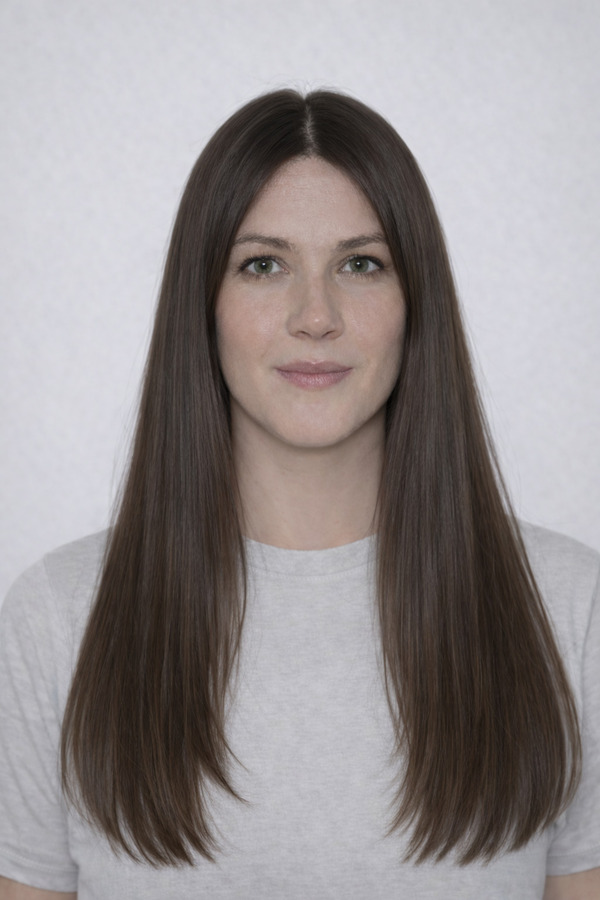
Long Straight
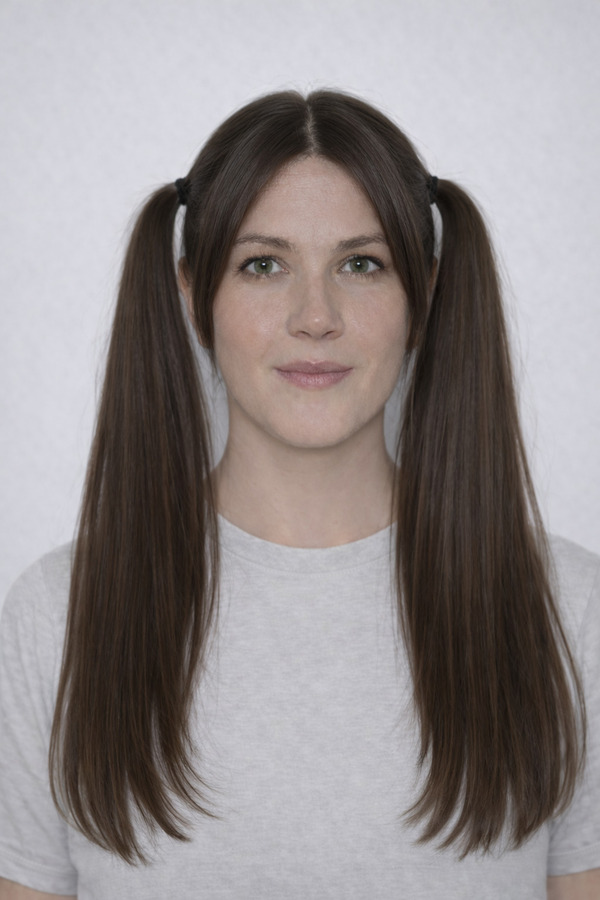
Long Twintails
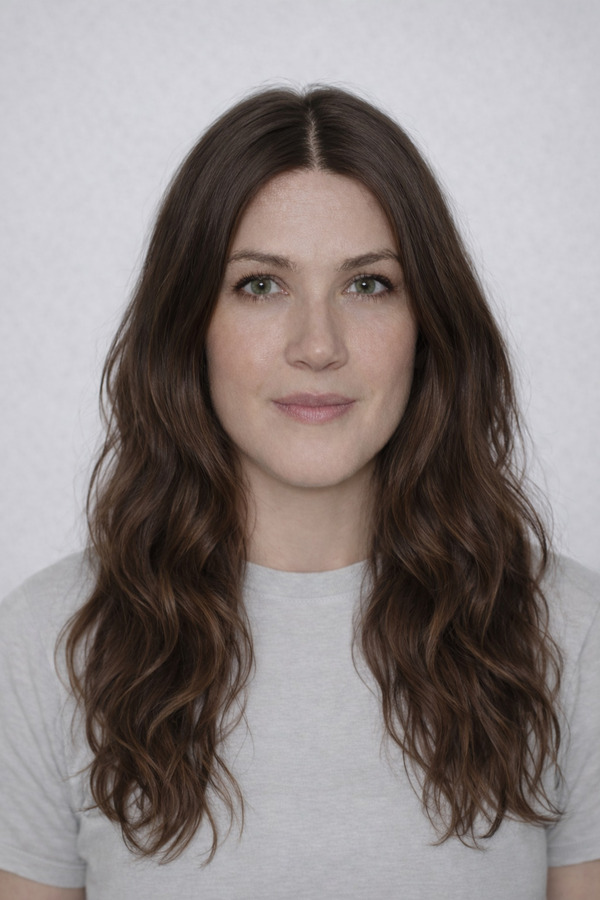
Long Wavy

Long Wavy Curtain Bangs

Man Bun

Messy Tousled
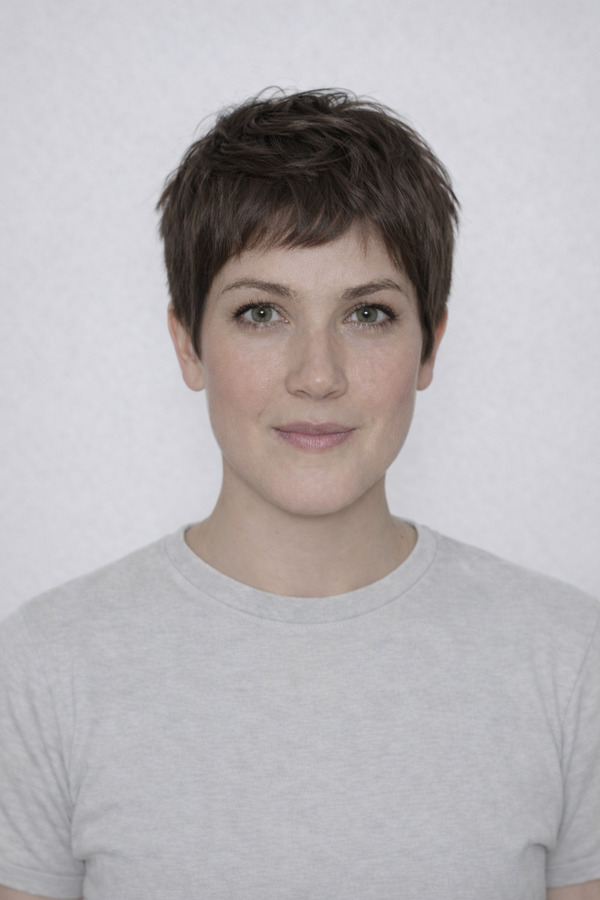
Pixie Cut

Pompadour
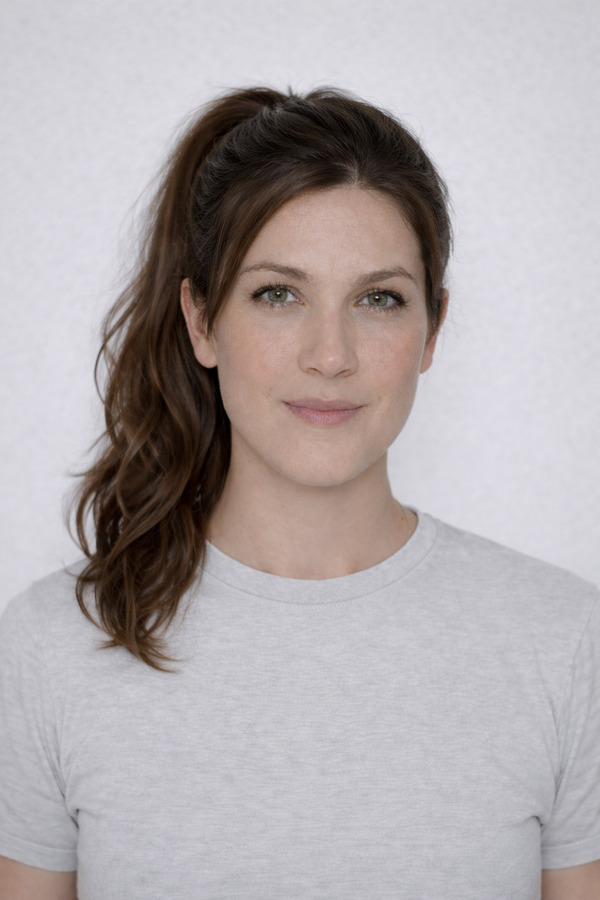
Ponytail
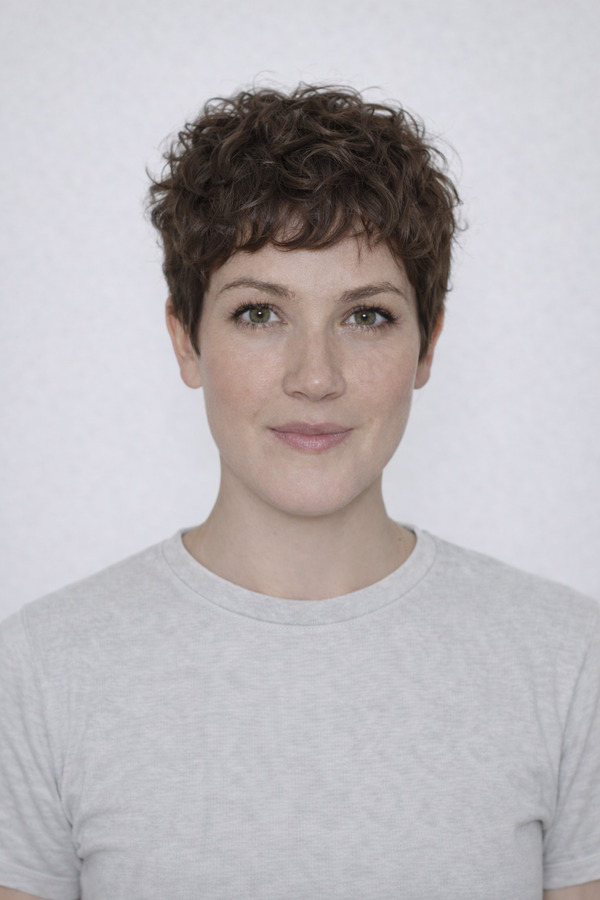
Short Curly Pixie
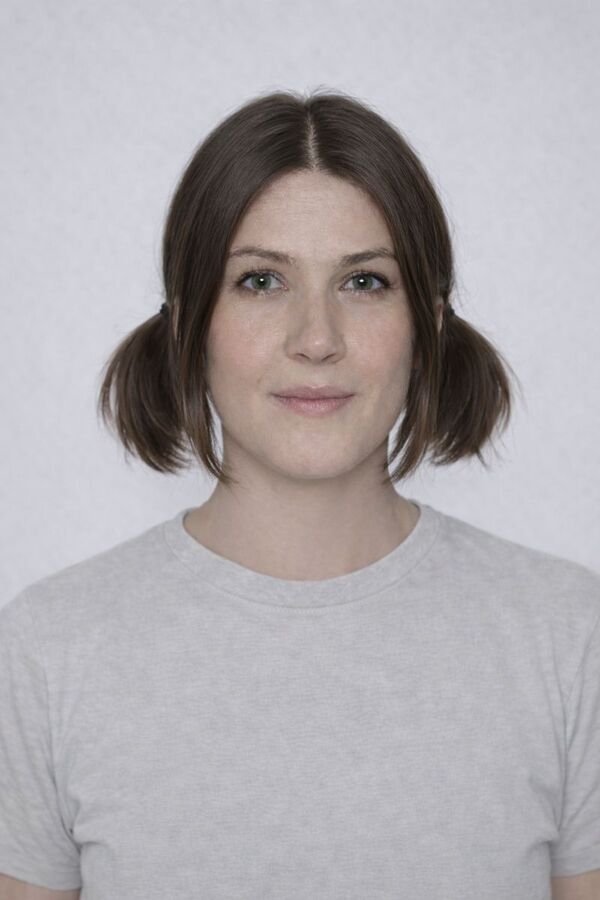
Short Twintails
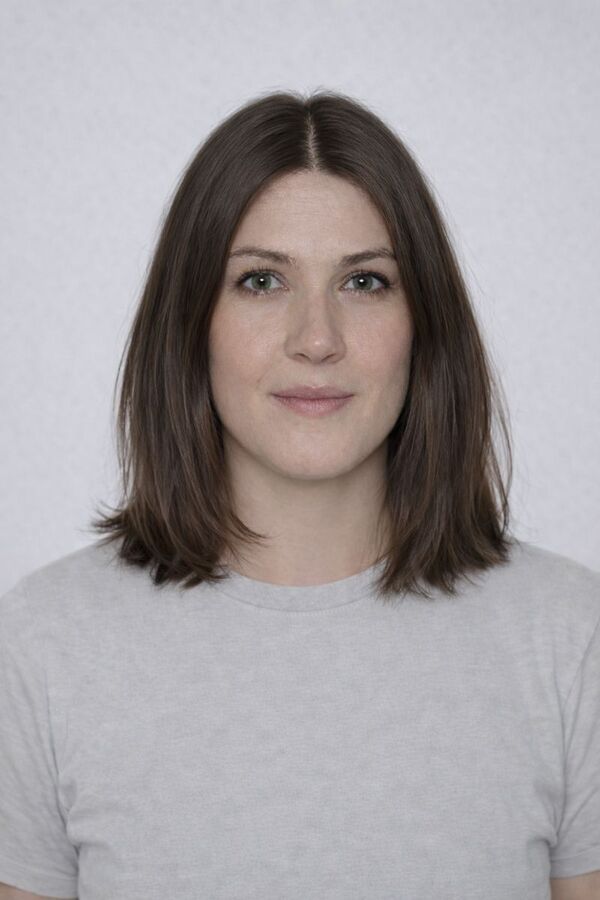
Shoulder Length Hair

Spiky

Textured Fringe
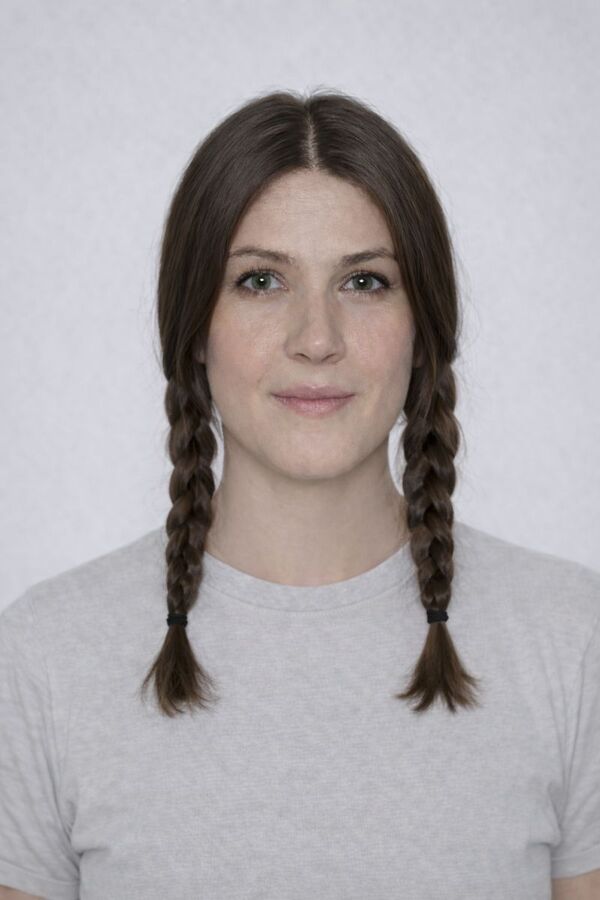
Twin Braids
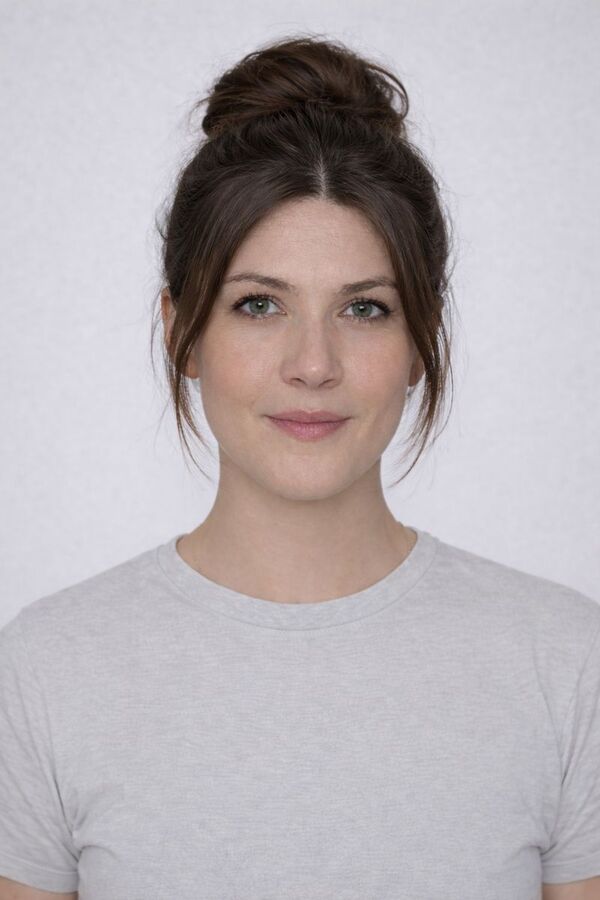
Updo

Wavy Shag
A closer look at the AI virtual hairstyle try-on
Love letters
to TryItOn

I had been scared to cut my hair short for years. Seeing the bob on my own photo first gave me the push to finally book it.

I tried on eight different cuts in one sitting and walked into the barber knowing exactly what I wanted for the first time ever.

Previewing a copper hair color on myself saved me from a shade that would have washed me out completely. So glad I checked first.

I previewed a few styles before my wedding and showed the winner to my stylist. We got the exact look I had pictured.

I always wondered if bangs would suit me, so I tried them on my own photo. Turns out they do, and now I actually have them.
I had been scared to cut my hair short for years. Seeing the bob on my own photo first gave me the push to finally book it.
I tried on eight different cuts in one sitting and walked into the barber knowing exactly what I wanted for the first time ever.
Previewing a copper hair color on myself saved me from a shade that would have washed me out completely. So glad I checked first.
I previewed a few styles before my wedding and showed the winner to my stylist. We got the exact look I had pictured.
I always wondered if bangs would suit me, so I tried them on my own photo. Turns out they do, and now I actually have them.



Your photos
are yours
Body images are sensitive. We treat them that way — encrypted, never sold, and gone the second you say so.
Built to GDPR standards
Your data rights — access, correction, portability, and deletion — are honored on every plan, no matter where you live.
Never used to train AI
Your selfies aren't sold, shared with brands, or fed into model training pipelines. They stay yours.
Encrypted end-to-end
Photos are encrypted in transit and at rest. Only you can see what's in your wardrobe.
Delete anything, anytime
One tap clears a try-on. Two clears your whole wardrobe and account. We don't keep shadow copies.
Frequently asked
Upload a clear, front-facing photo of yourself, then pick a haircut or hair color inside the app. TryItOn's AI restyles the hair in your photo photorealistically so you can see the new look on yourself in seconds.
A clear, front-facing photo of your face works best, with your current hair visible and good even lighting. You pick the hairstyle or color inside the app after uploading - you do not need a separate image.
Yes. You can preview a haircut, from short crops to long layers, and try a new hair color, from subtle highlights to a full bold change, all on your own photo.
TryItOn is free to start, so you can begin trying on hairstyles right away and explore many cuts and colors before deciding what to do at the salon.
You can use TryItOn on the web, through the Chrome and Edge browser extension, and on the iPhone and Android apps whenever you want to preview a new hairstyle.
Your photos stay private. They are never sold, shared or used to train AI, and you can delete them at any time.



Start trying on
A photoreal fitting room in every shop you visit. Free to start — no credit card, no returns.
Available on Chrome, Edge, Windows, iPhone, and Android.
Try it for free. No card required.