Try the Long Hair Tied Up Hairstyle, on you
Curious how Long Hair Tied Up would look on you? Upload a photo and preview the long hair tied up on your own face in seconds — free, with no commitment.
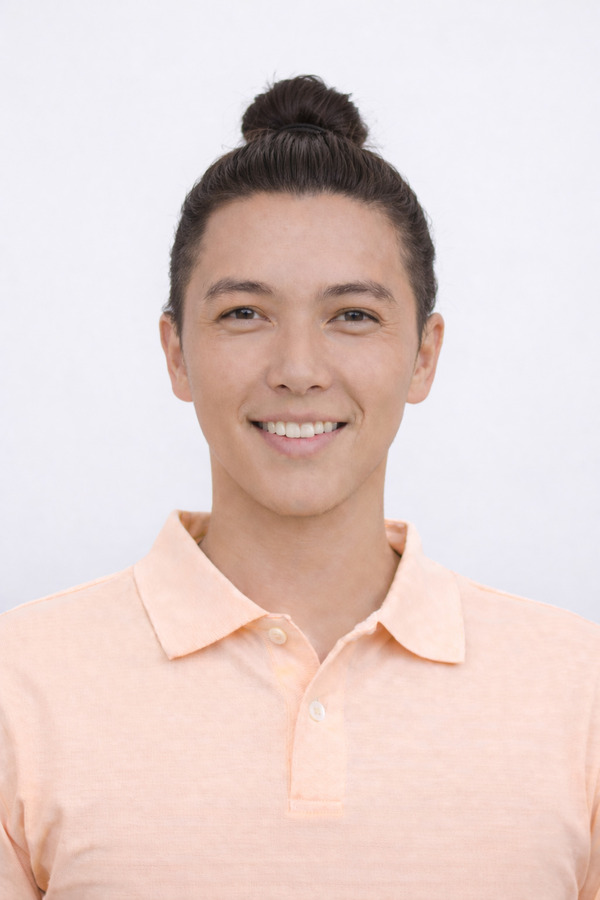
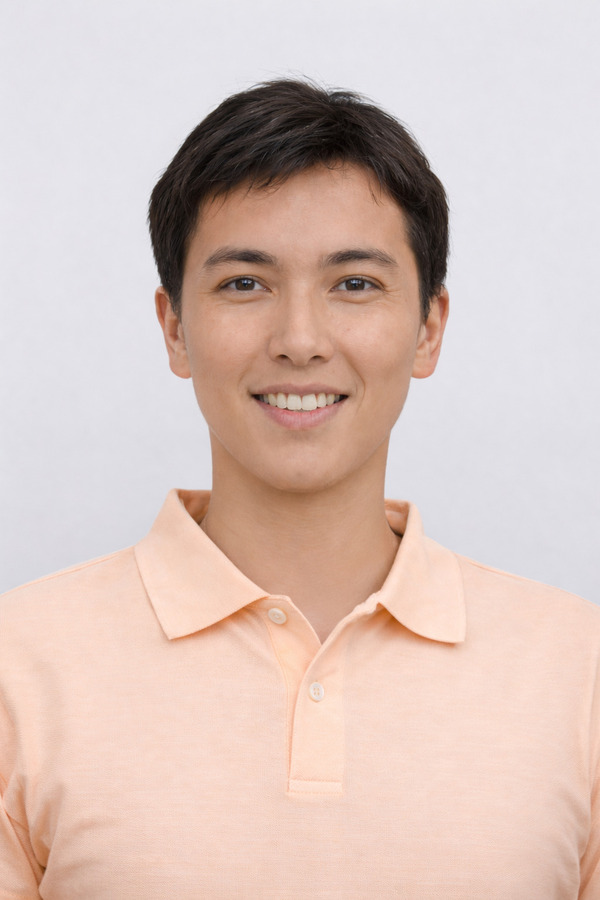 BeforeAfter
Drop a photo of yourself
One clear, front-facing photo — PNG, JPG or WebP
Upload your photoor
Trusted by shoppers at the world’s leading brands





How it works
Upload a clear photo of yourself, pick your color, and watch your new look appear on your own face in seconds.
- 1
Upload a face photo
One clear, front-facing photo of yourself is all the AI needs to get started.
- 2
Pick a hairstyle
Choose a haircut to try on and, if you like, switch up the hair color too.
- 3
AI styles your hair
Your new cut and color are applied to your own photo in seconds, with lifelike results.
- 4
Save, share, decide
Your look lands in your gallery — compare styles, share with your stylist, then book with confidence.
Browse hairstyles to try on
Pick any cut or style below and see it on your own photo in seconds.
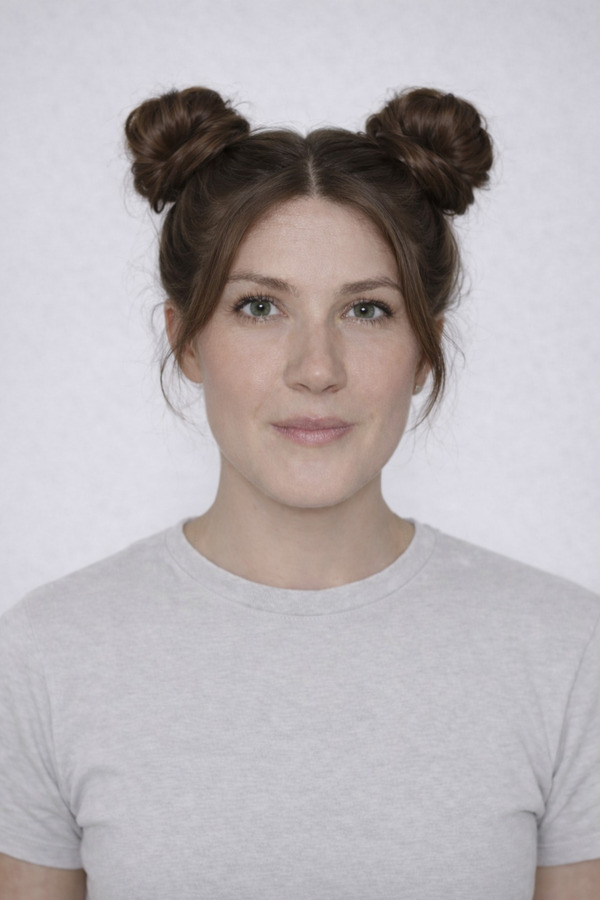
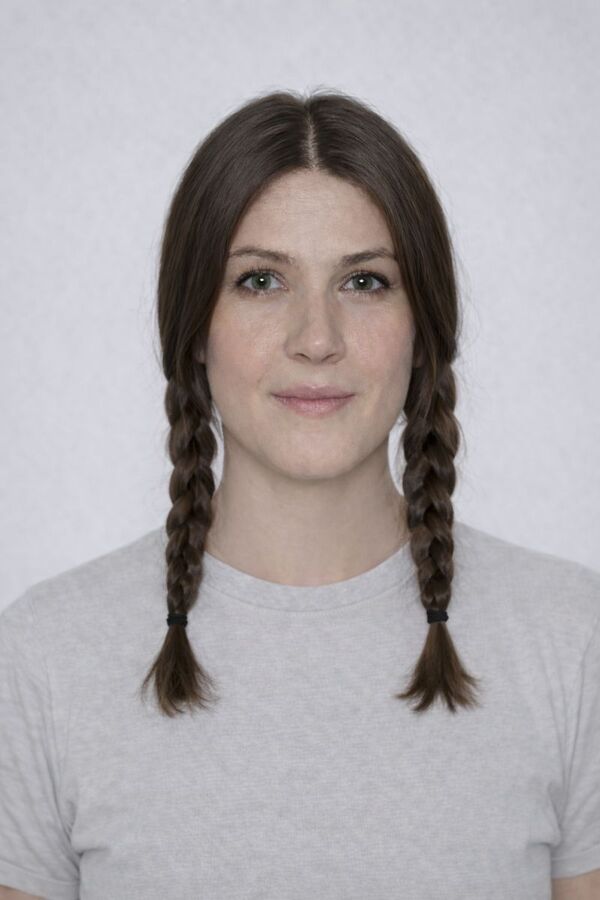
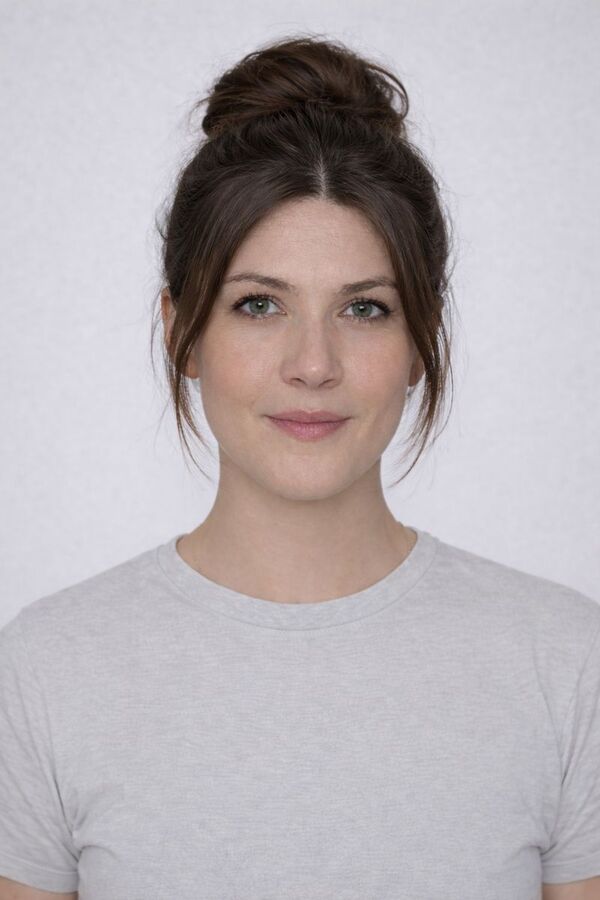
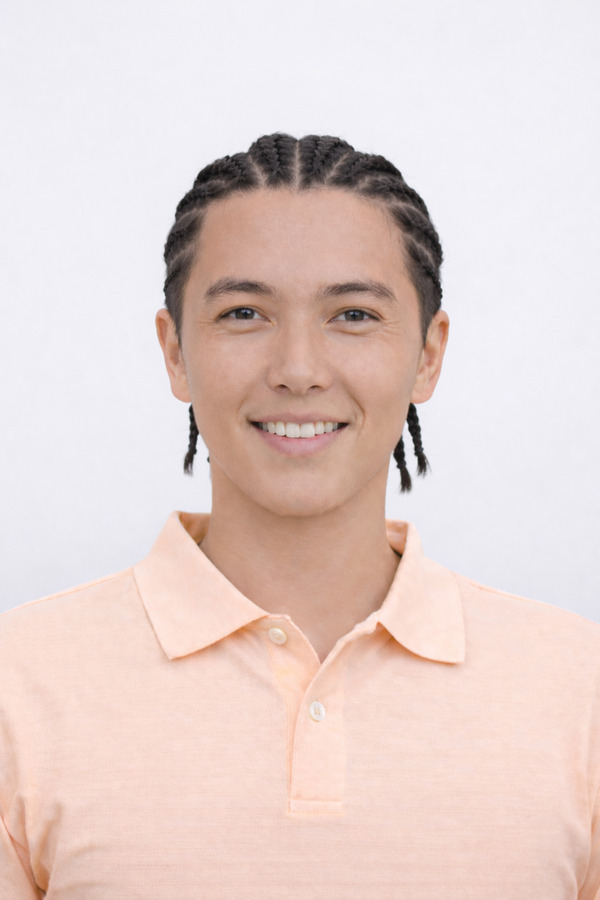
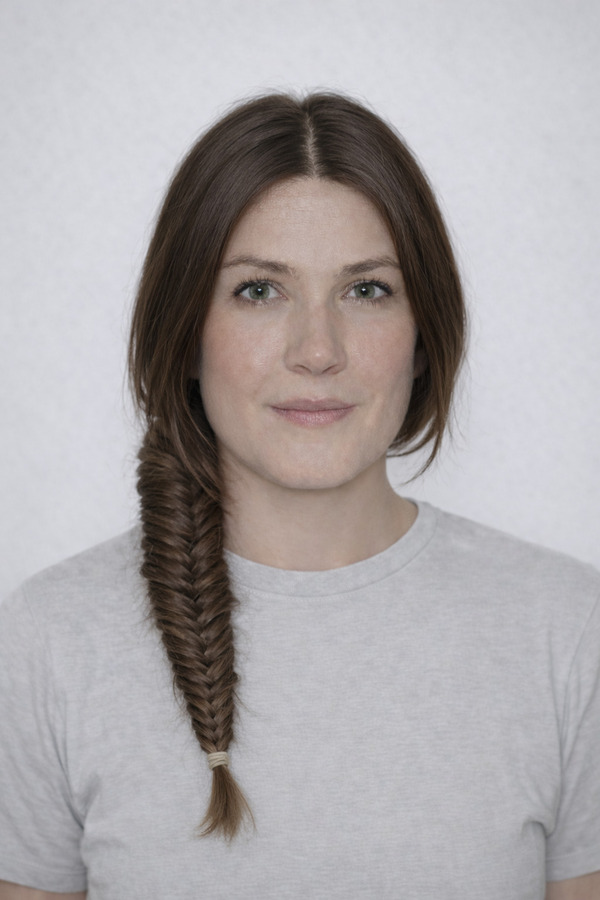
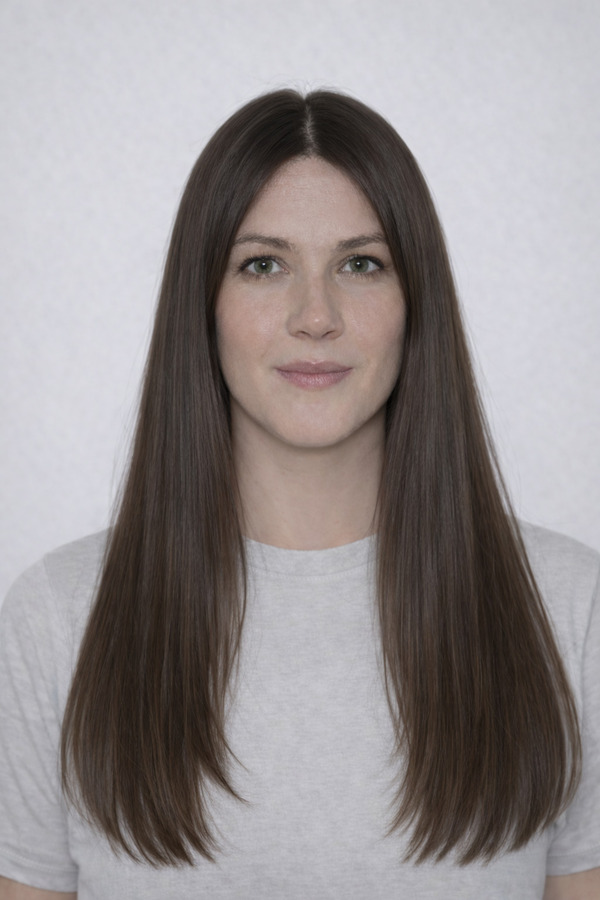
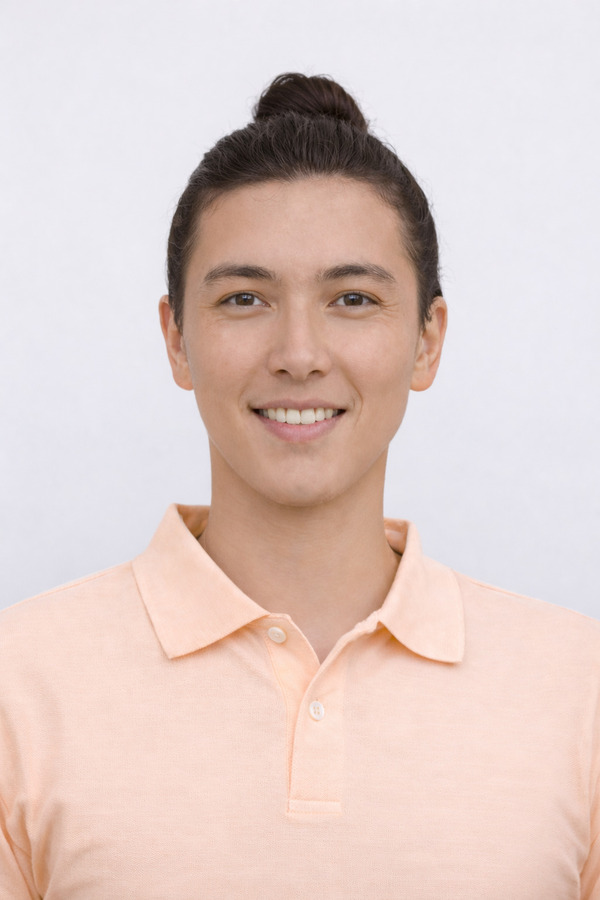
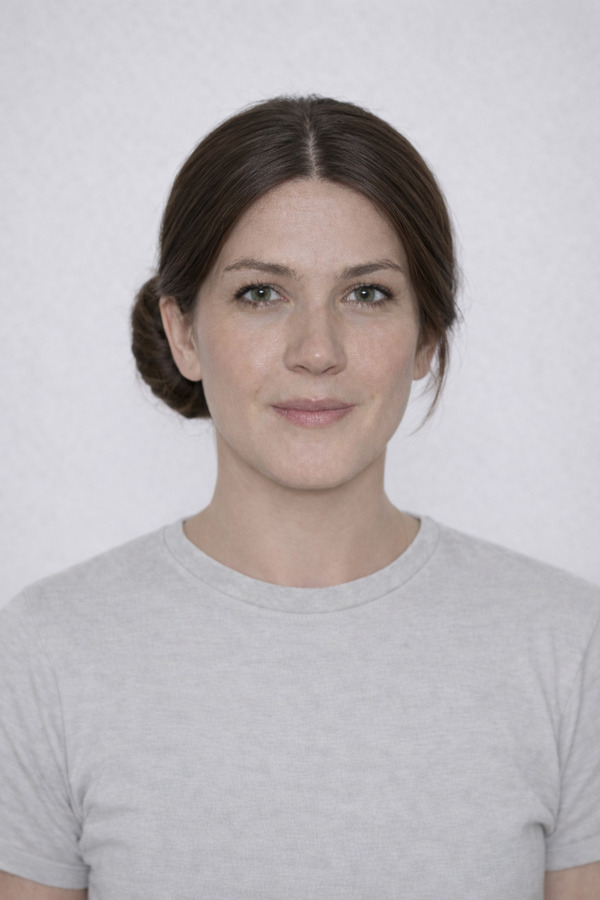
A closer look at the long hair tied up filter
Love letters
to TryItOn

Growing my hair out is a big commitment and I wasn't sure it'd suit me tied back. Seeing a top knot on my own face in seconds gave me the confidence to push through the awkward stages. Genuinely glad I checked first.
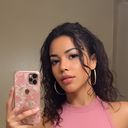
I compared a high top knot against a low tie at the nape before growing anything out. The preview showed me exactly how it framed my jaw, and I brought it to my barber to plan the grow-out.

I previewed a few styles before my wedding and showed the winner to my stylist. We got the exact look I had pictured.

I always wondered if bangs would suit me, so I tried them on my own photo. Turns out they do, and now I actually have them.

I had been scared to cut my hair short for years. Seeing the bob on my own photo first gave me the push to finally book it.
Growing my hair out is a big commitment and I wasn't sure it'd suit me tied back. Seeing a top knot on my own face in seconds gave me the confidence to push through the awkward stages. Genuinely glad I checked first.
I compared a high top knot against a low tie at the nape before growing anything out. The preview showed me exactly how it framed my jaw, and I brought it to my barber to plan the grow-out.
I previewed a few styles before my wedding and showed the winner to my stylist. We got the exact look I had pictured.
I always wondered if bangs would suit me, so I tried them on my own photo. Turns out they do, and now I actually have them.
I had been scared to cut my hair short for years. Seeing the bob on my own photo first gave me the push to finally book it.

Your photos
are yours
Body images are sensitive. We treat them that way — encrypted, never sold, and gone the second you say so.
Built to GDPR standards
Your data rights — access, correction, portability, and deletion — are honored on every plan, no matter where you live.
Never used to train AI
Your selfies aren't sold, shared with brands, or fed into model training pipelines. They stay yours.
Encrypted end-to-end
Photos are encrypted in transit and at rest. Only you can see what's in your wardrobe.
Delete anything, anytime
One tap clears a try-on. Two clears your whole wardrobe and account. We don't keep shadow copies.
Frequently asked
Upload one clear, front-facing photo and the AI restyles your hair into a gathered look, whether a man bun, top knot, or low tie, so you see it on your own face in seconds. It's free, with no commitment, letting you judge how the shape suits you before committing to growing your hair out.
Pulling hair back exposes the face and jawline, so the look tends to suit strong features and balanced proportions. A high top knot reads bold and adds height, which helps rounder faces, while leaving a little length loose at the front or keeping the sides slightly shorter softens the effect. Thick, straight, and wavy hair all gather neatly, and curly hair makes a fuller knot.
A good tie-up depends on healthy length and the right tools. Use a snag-free hair tie to prevent breakage, and a light pomade or styling cream to smooth flyaways for a polished knot or a looser finish. Brush the hair back cleanly before gathering, condition the lengths, and avoid constant tight tension to protect your hairline and ends.
Yes. Preview colors on your own photo before committing. When hair is gathered, color shows up at the crown and through the knot in ways loose hair does not, so subtle dimension or a deeper natural tone both translate well. Highlights add depth as the twisted sections catch the light, and you can see which suits your complexion.
TryItOn is free to start, so you can begin trying on hairstyles right away and explore many cuts and colors before deciding what to do at the salon.
Your photos stay private. They are never sold, shared or used to train AI, and you can delete them at any time.

Start trying on
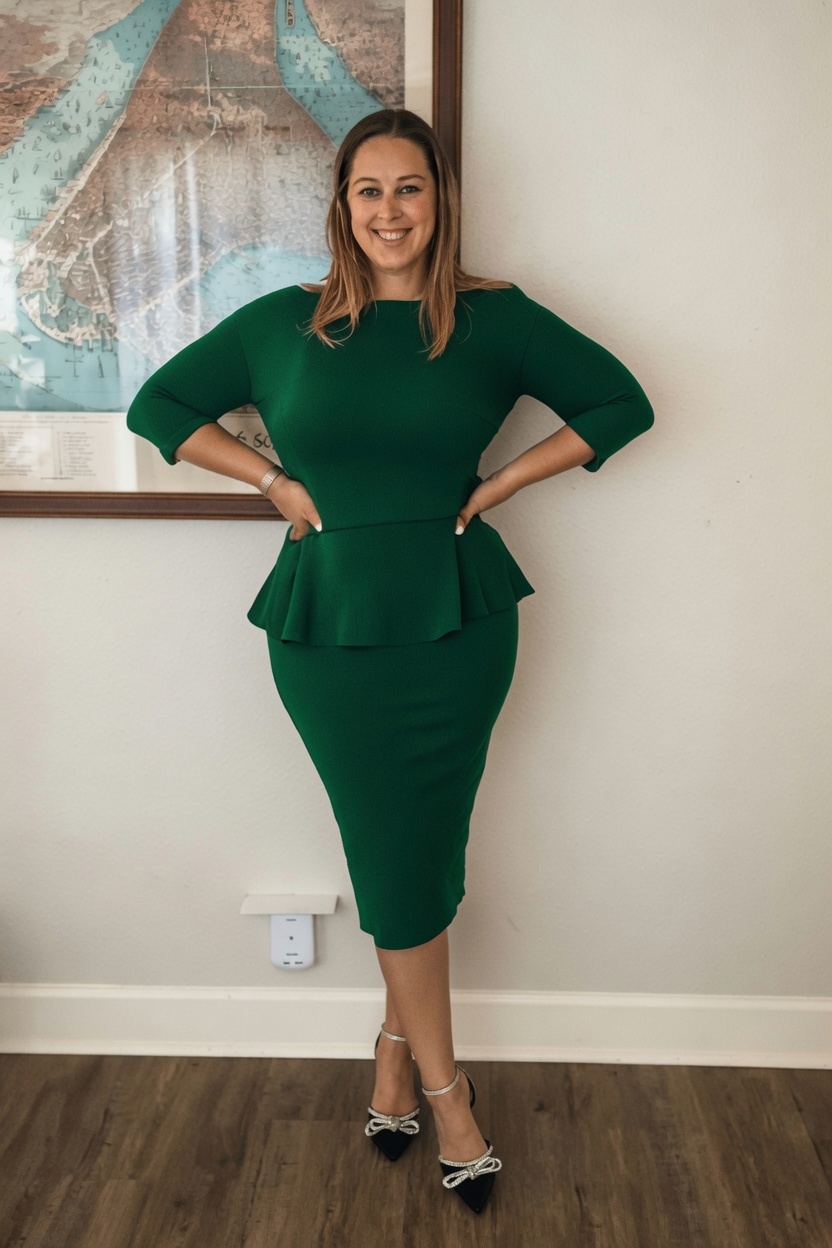
A photoreal fitting room in every shop you visit. Free to start — no credit card, no returns.
Available on Chrome, Edge, Windows, iPhone, and Android.
Try it for free. No card required.