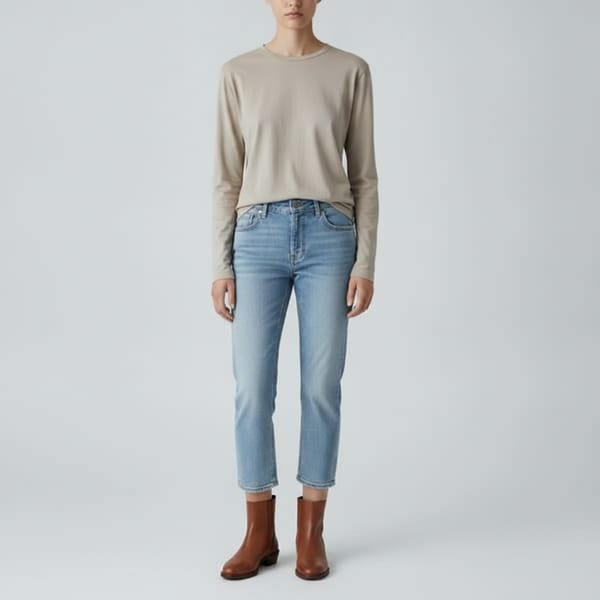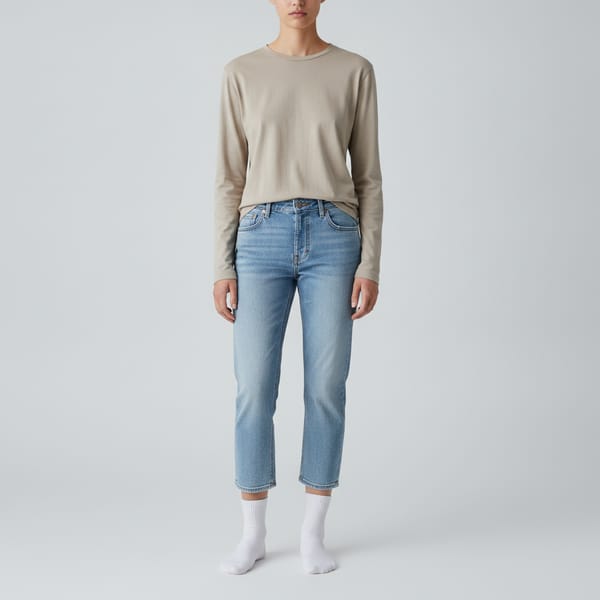






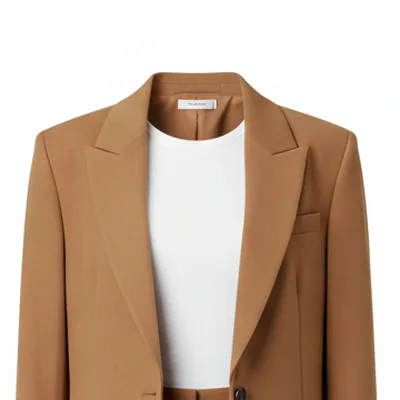




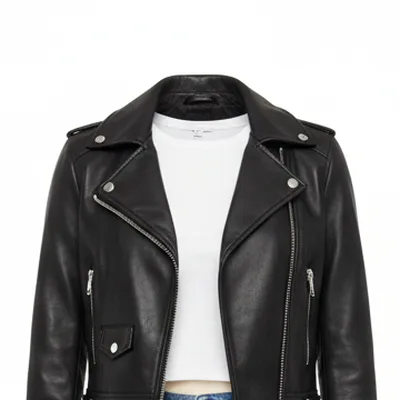






A virtual fitting room lets you see how clothes look on you without going to a store or ordering a size run. Instead of guessing from a model photo, you get a preview on your own body. TryItOn's virtual fitting room works two ways: live, through your camera, or from a single photo of yourself.
What is a virtual fitting room?
A virtual fitting room is software that shows clothing on a person digitally, so shoppers can judge style, color and overall look before buying. There are three common approaches.
- Live camera: the clothes are rendered onto your camera feed in real time, like standing in front of a mirror. This is TryItOn's live fitting room.
- Photo based: you upload one photo and AI redraws the item onto your body as a photoreal still.
- 3D avatar: you enter measurements and a generic 3D body wears the garment. Good for fit charts, less like seeing yourself.
Virtual fitting room vs. virtual dressing room
The two terms mean the same thing. "Virtual dressing room" is more common in retail and older AR mirror installations, "virtual fitting room" in online shopping. Either way, the goal is to see clothes on you before you buy.
- Same idea: both describe trying clothes on digitally instead of physically.
- In stores: a virtual dressing room is often a smart mirror inside a shop.
- Online: a virtual fitting room usually runs on your own phone or computer, which is where TryItOn works.
Why try clothes on live
A still photo answers "does this look good?". A live fitting room also shows how it looks when you move.
- Movement: see how a dress or jacket looks as you turn, walk and gesture, not just in one pose.
- Speed: switch between items on the same stream and compare several looks in a minute.
- No photo needed: skip finding a good full-body photo. Your camera is enough.
- Mirror feel: it's the closest thing online to standing in a fitting room and looking in the mirror.
Live or photo: which should you use?
Both are part of the same fitting room. They're good at different things.
- Use live: to browse quickly, compare several pieces back to back and see items in motion.
- Use a photo: for a detailed still you can save, compare side by side and share before you buy.
- Combine them: narrow it down live, then make a photo try-on of your favorite for a closer look.
Where the virtual fitting room works
TryItOn runs where you already shop.
- In your browser: on a computer with a webcam or in your phone's browser. Nothing to install.
- While you shop: the Chrome and Edge extension lets you pick an item straight off a store page and try it on live.
- Any store: upload a photo or screenshot of anything you find, from any online shop.